Generate sound effects, music, and dialogue from a prompt, then vary, loop, and turn a voice into a creature. The audio your game needs, made in one plugin.
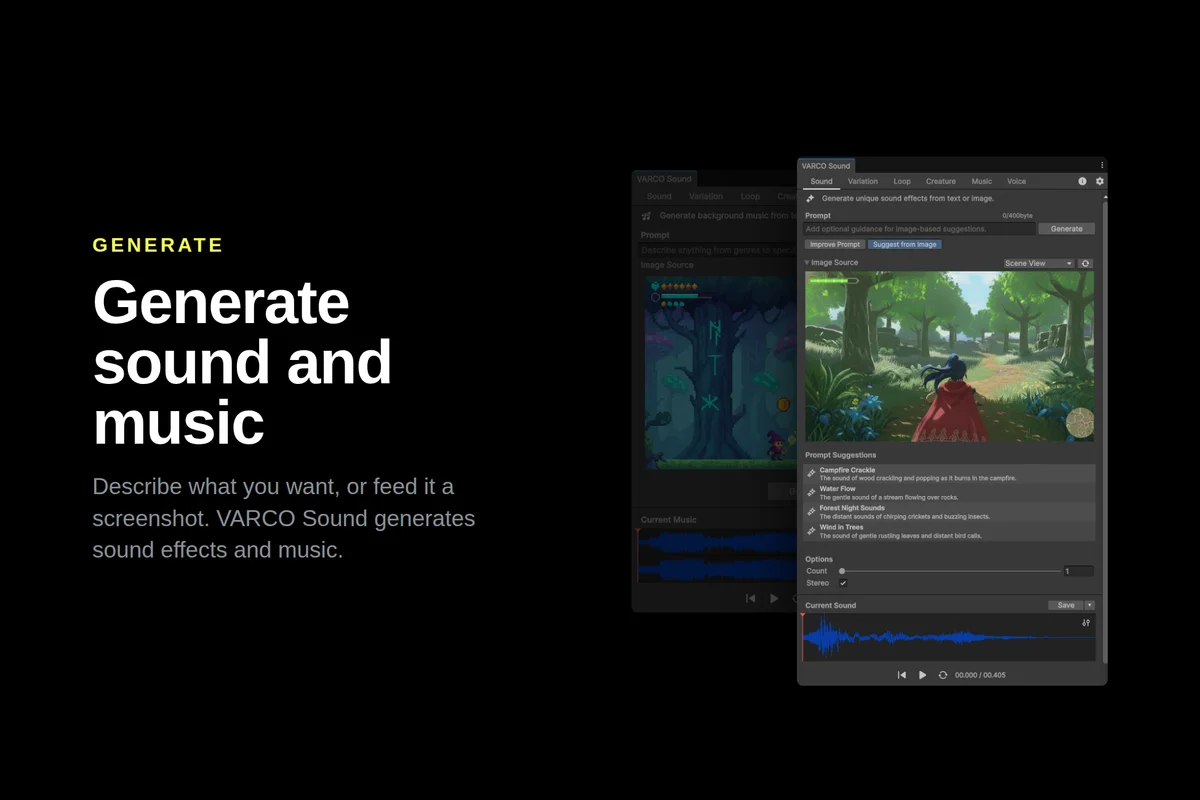
VARCO Sound generates the audio your game needs, right inside Unity: sound effects, music, creature voices, and dialogue, all from a single plugin. Describe what you need, or drop in a screenshot of your scene, and get usable audio in seconds.
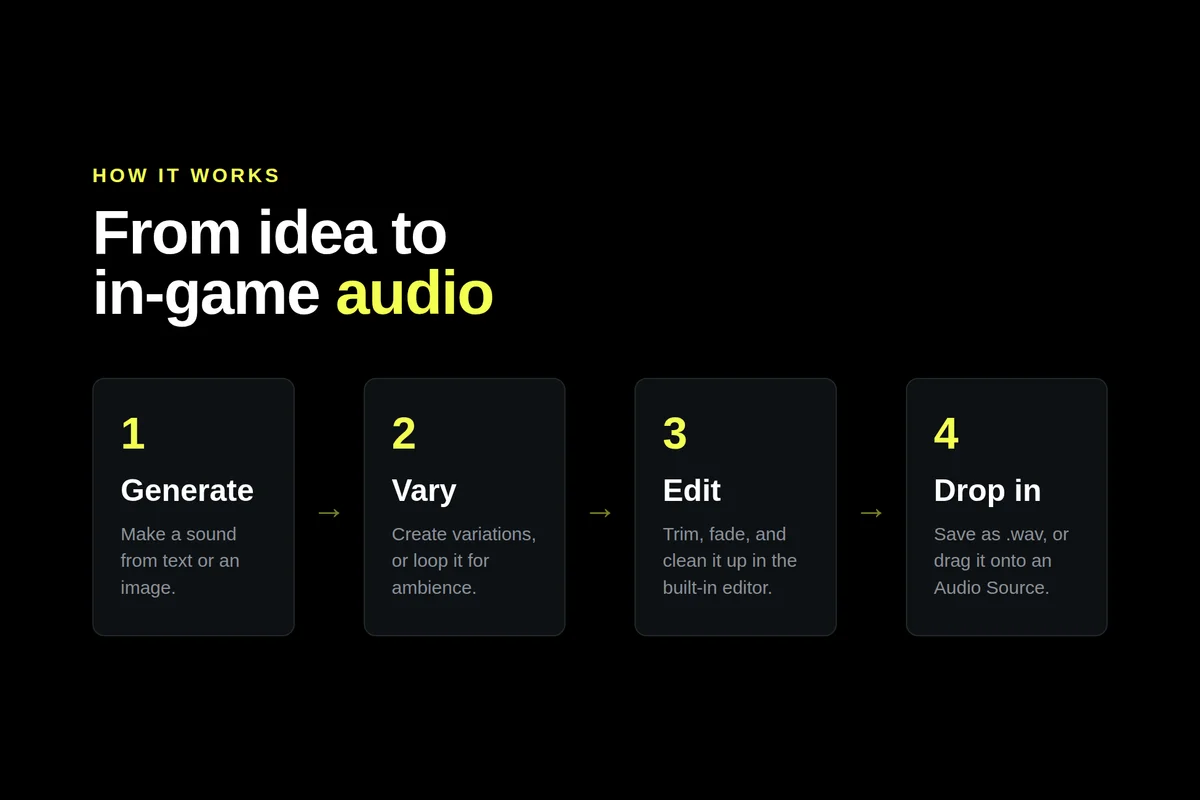
No audio experience needed. Generate a sound, create alternate takes with variation, loop it for ambience, or edit it in place, then drop the result straight onto an Audio Source.
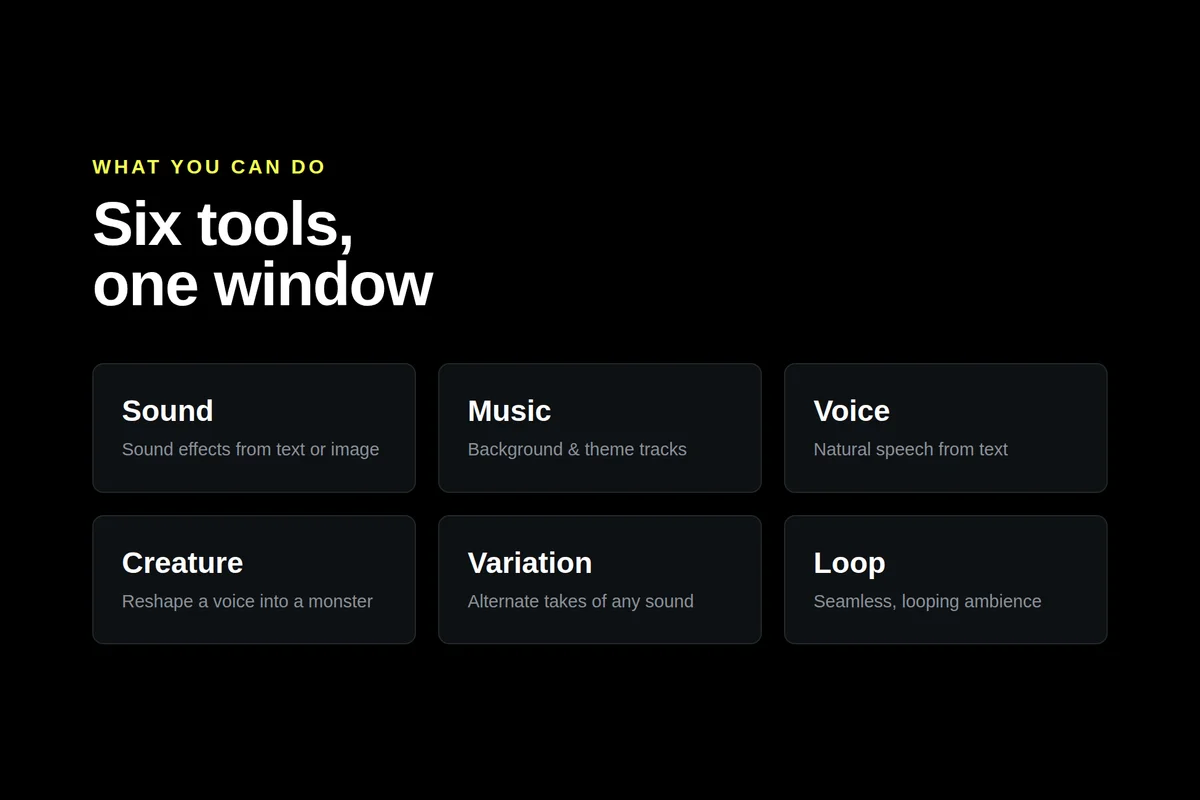
WHAT YOU CAN DO
Sound Effects: Type what you want to hear and generate it. Footsteps on gravel, sword swings, UI clicks, explosions, rain, a magic spell, anything you can describe. Not sure how to word it? Use Improve Prompt for suggestions, or Suggest from Image to get ideas from a screenshot. Generate a batch at once and keep the takes you like.
Music: Score a scene from a short prompt like "tense dungeon ambience" or "upbeat village theme," from a reference image, or from both together. A quick way to get background and theme music that fits what's on screen.
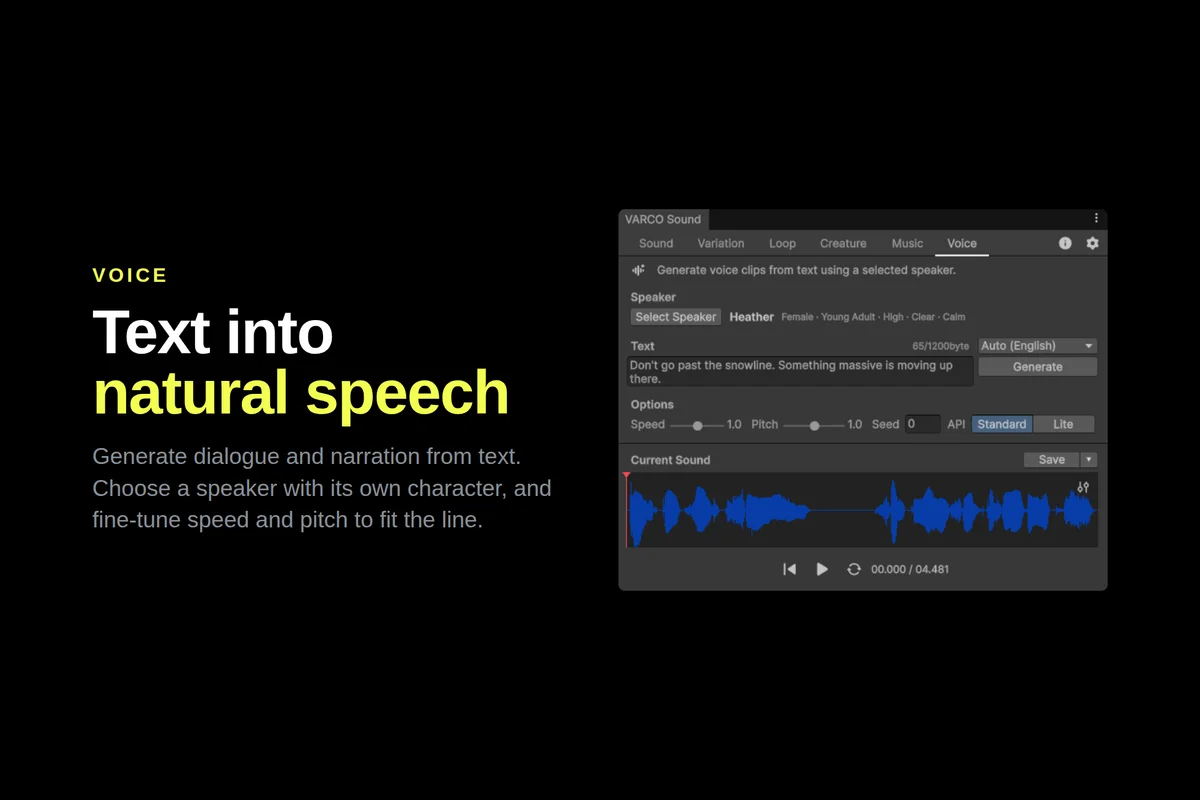
Voice: Turn text into natural speech for dialogue and narration, in Korean, English, Japanese, and Taiwanese. Pick a speaker and adjust speed and pitch to fit the character.
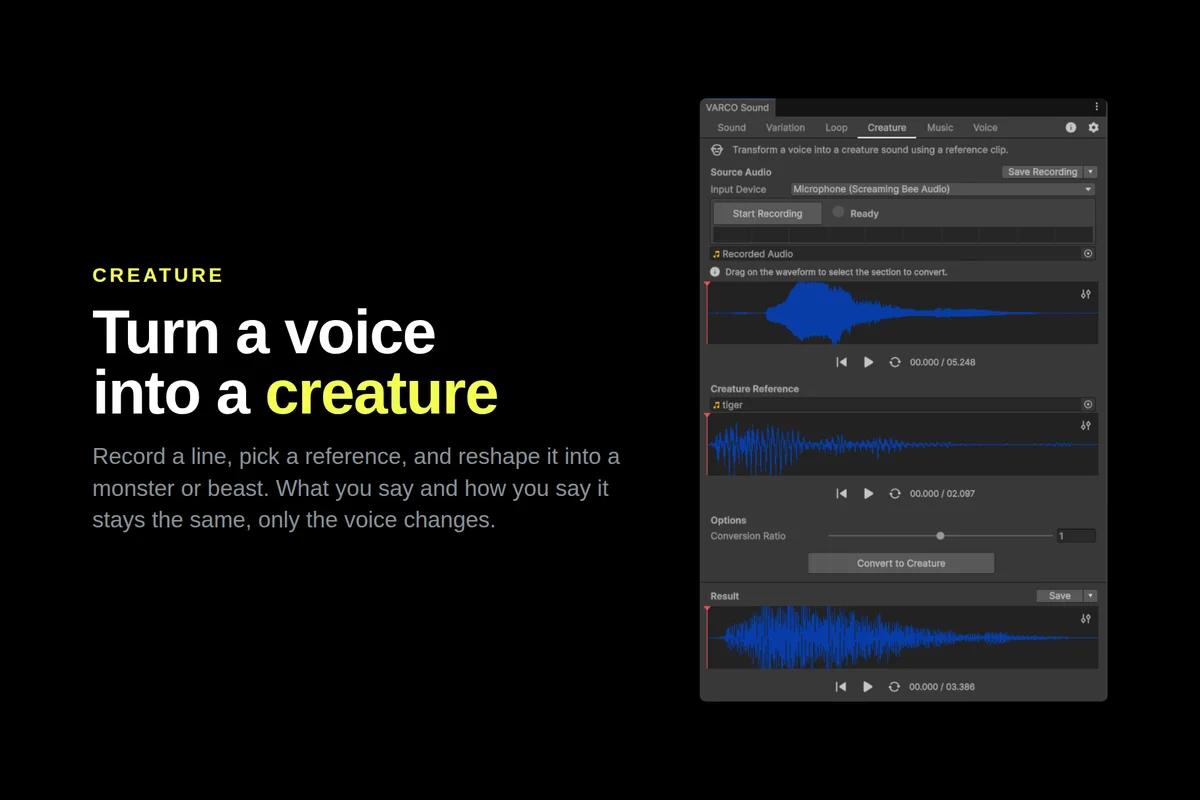
Creature: Record a line yourself, then reshape it into a monster, dragon, or beast using any clip as the target voice. What you say and how you say it stays the same, only the voice changes.
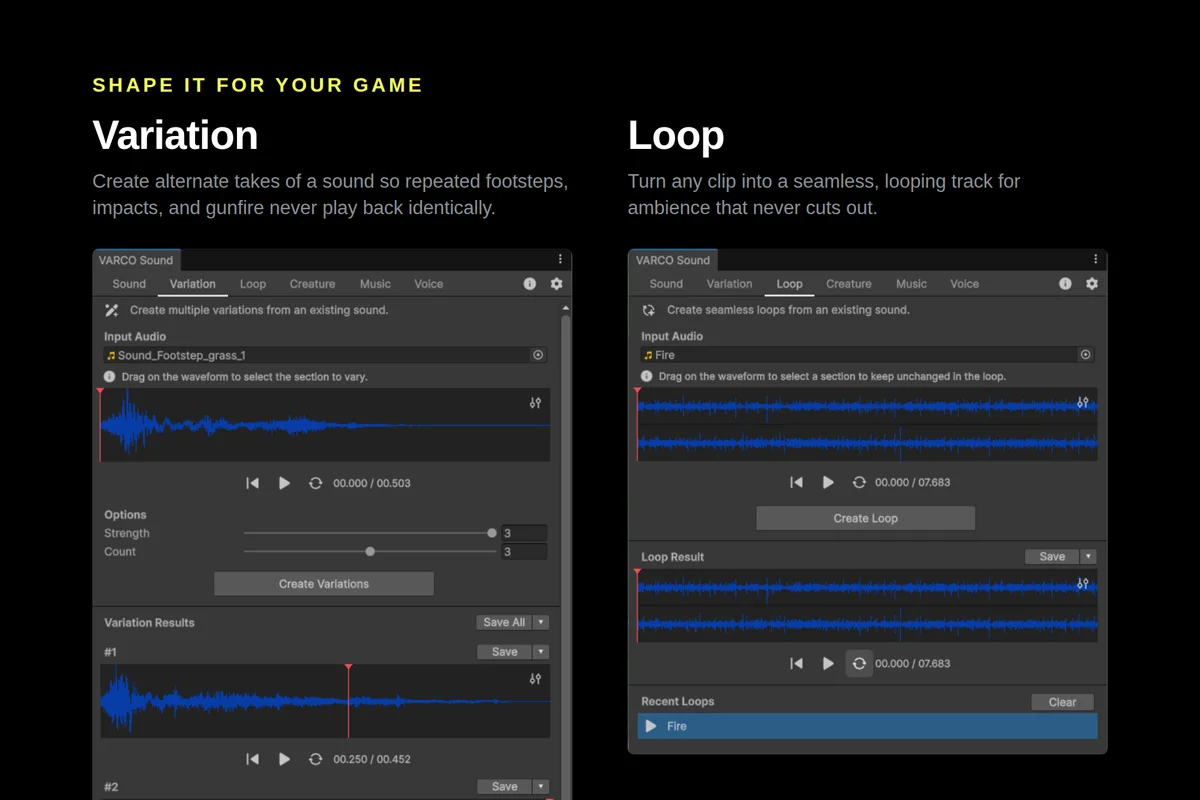
Variation: Generate alternate takes of any sound so repeated footsteps, impacts, and gunfire never play back identically. Vary the whole clip, or select just part of it on the waveform.
Loop: Turn any clip into a seamless, gap-free loop for ambience. Mark a region to keep, and let the tool find a clean loop around it.
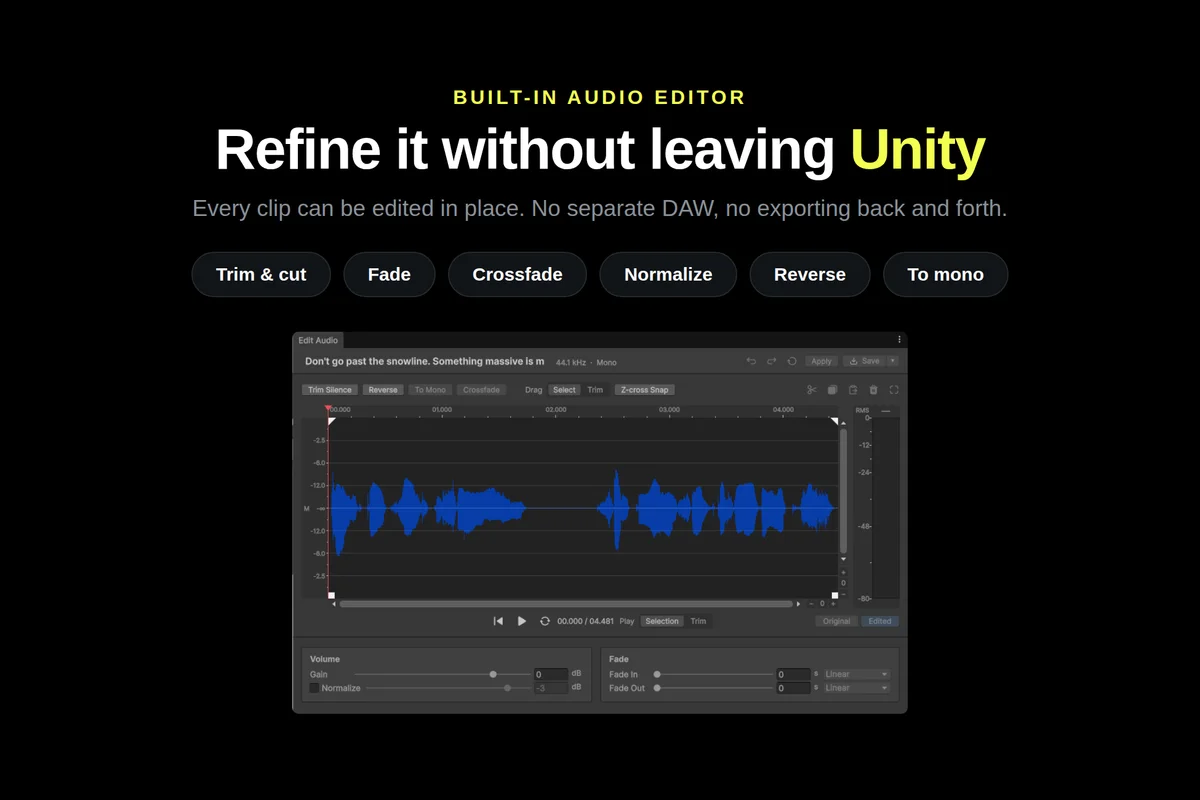
Built-in Audio Editor: Refine any clip without a separate DAW. Trim, cut, fade, crossfade, normalize, adjust gain, reverse, or convert to mono, then apply it back or save it out.
HIGHLIGHTS
- Six tools in one window: Sound, Music, Voice, Creature, Variation, and Loop
- Generate from a text prompt or from an image
- Multilingual voice: Korean, English, Japanese, and Taiwanese
- Built-in audio editor: trim, fade, crossfade, normalize, reverse, and more
- Drag a result straight onto an Audio Source, or save it as .wav in your project
- Editor-only: nothing ships in your build, with no effect on runtime performance
- Works with the Built-in, URP, and HDRP render pipelines
GETTING STARTED
Download the plugin, issue an API key from your VARCO account, and start generating. The plugin is free to download; generation runs on VARCO API credits. For a full walkthrough of every tool, see the documentation.
Questions or feedback? Contact us at varco_sound@ncsoft.com