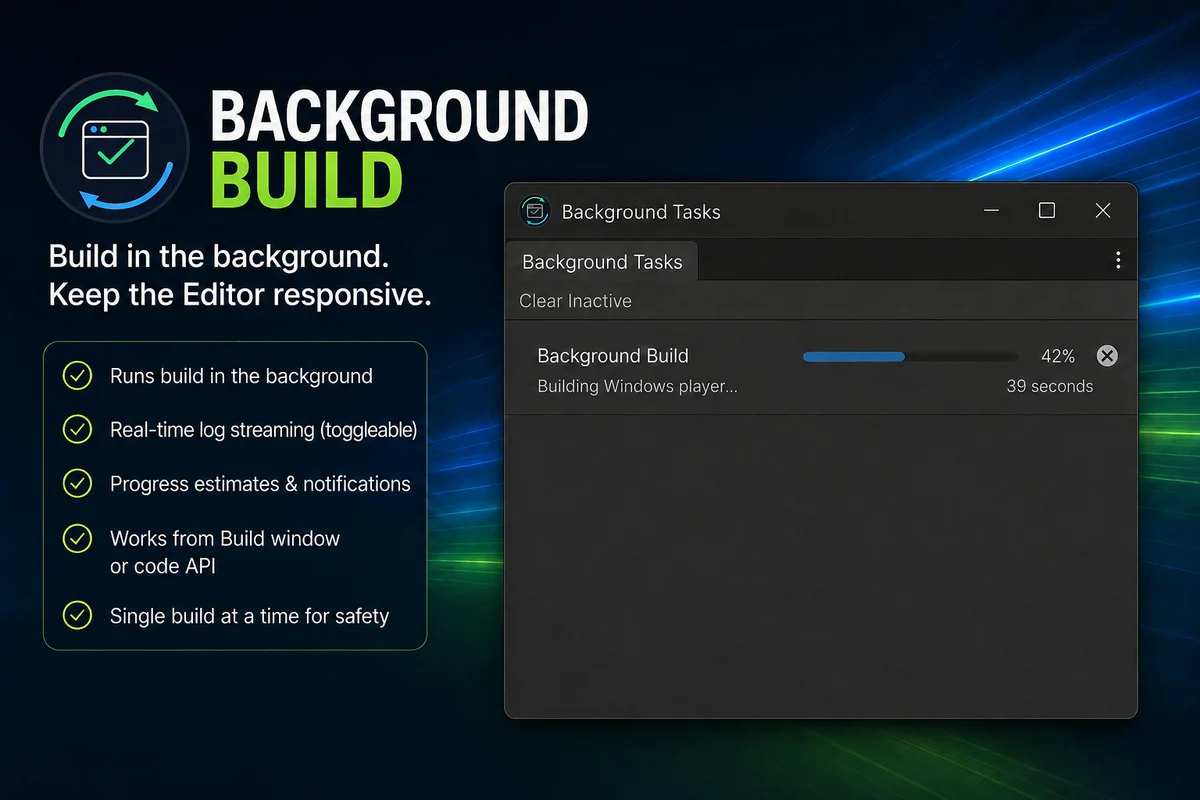
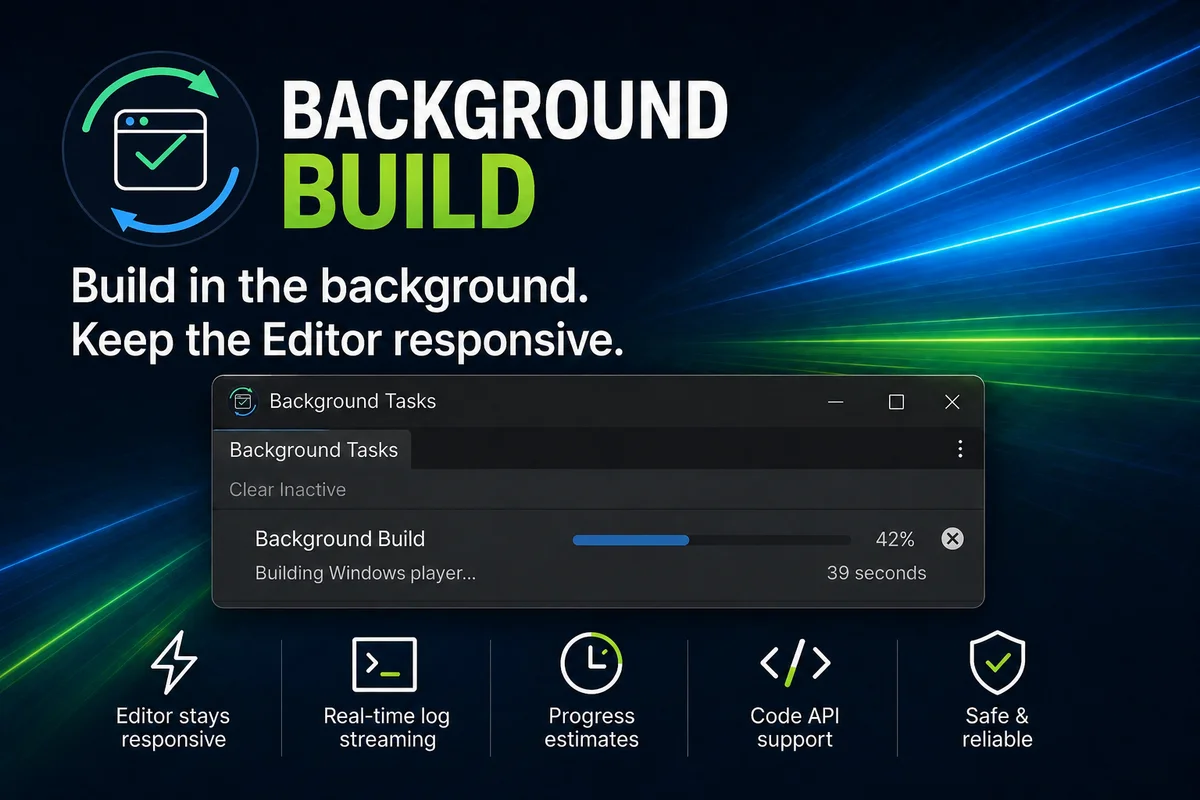
Build in the background and don't block the editor. Run player, AssetBundle, and optional Addressables builds in the background while keeping your main Editor responsive.
Description
Background Build keeps the Unity Editor responsive by running builds in the background without blocking the Editor. It integrates with Unity's standard Build button and also provides a scriptable API for custom build pipelines.
Highlights:
Keep working in the main Editor while a build runs
- Use Unity's standard Build workflow, with an easy enable/disable setting
- Works with any platform
- Stream build output to the Console when desired
- Open the completed build output or full log from the completion message
- Build players and AssetBundles in the background
- Build Addressables content when the Addressables package is installed
- Use synchronous-style entry points or awaitable request APIs
- Includes importable API examples
Limitations
- Only one background build can run at a time
- Builds use the currently active platform
- The first workspace build can be slower while Unity creates its cache
- Project changes made during an active build may or may not be included in that build
- Intended for interactive Editor workflows, not CI/CD