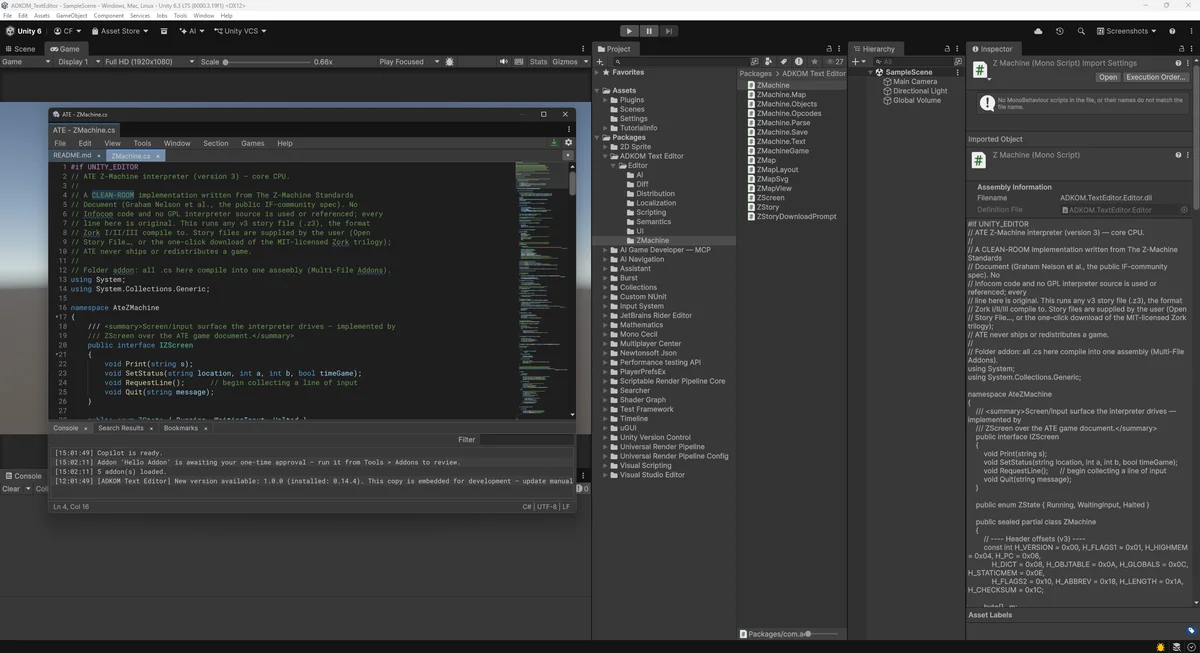
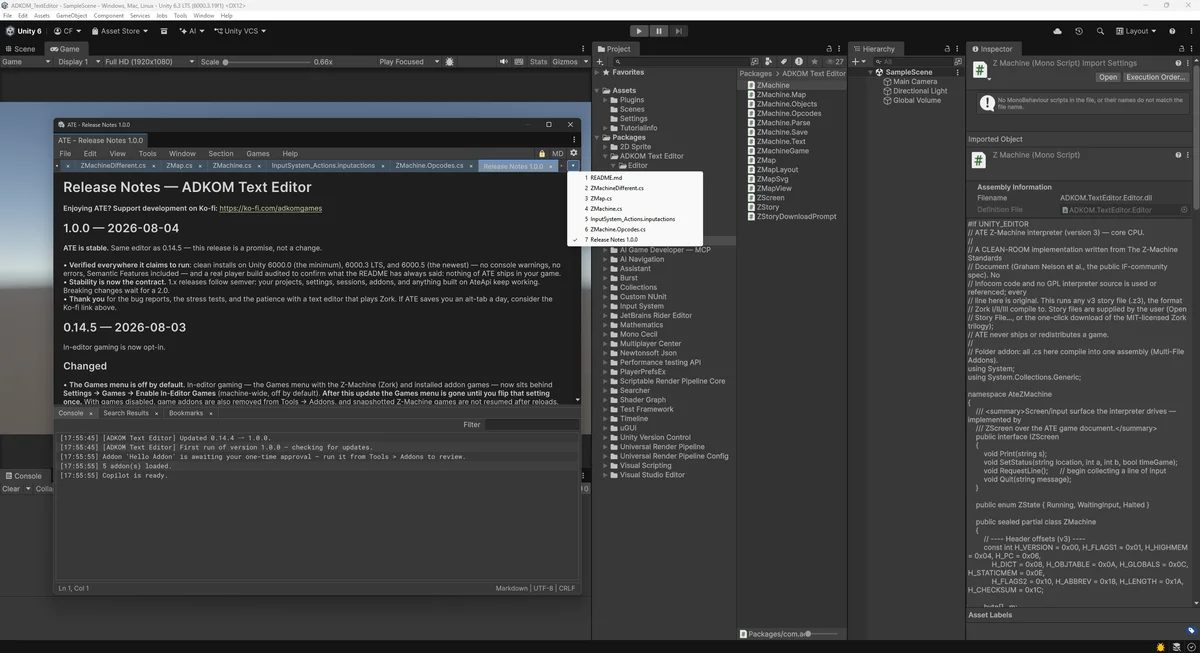
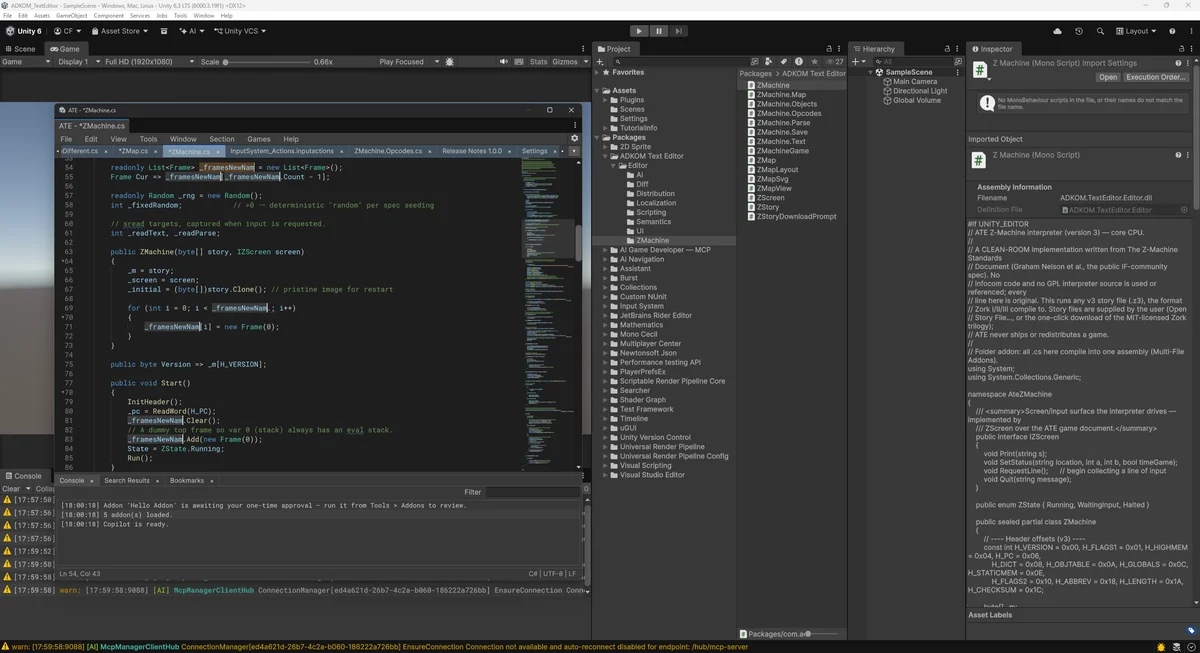
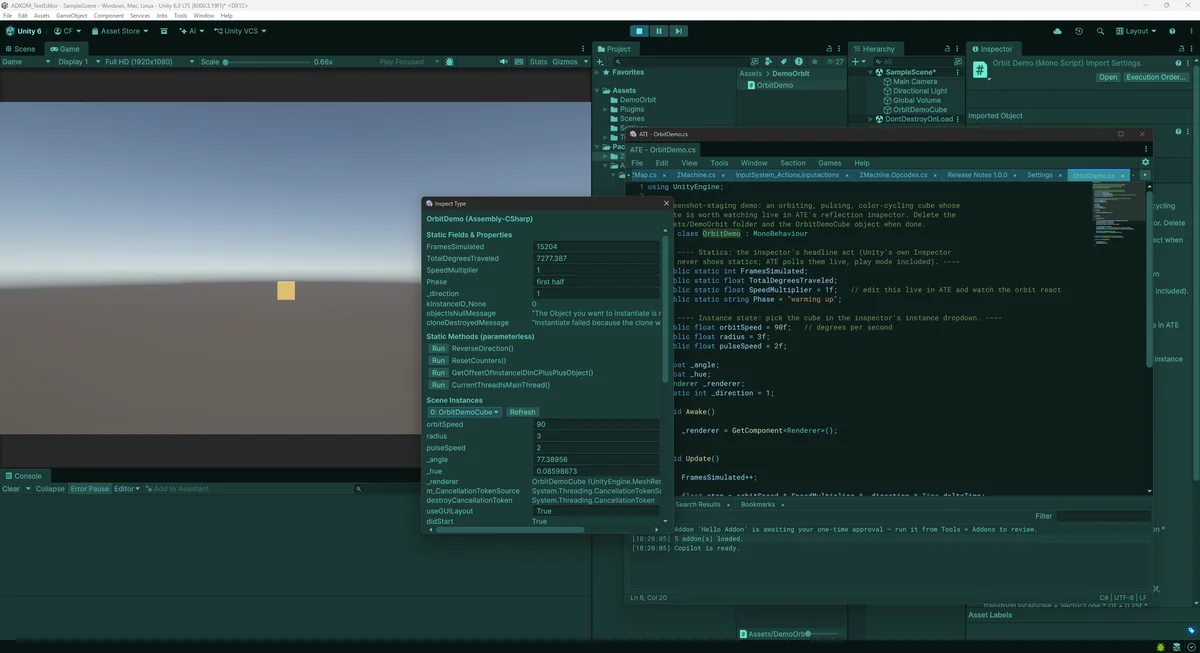
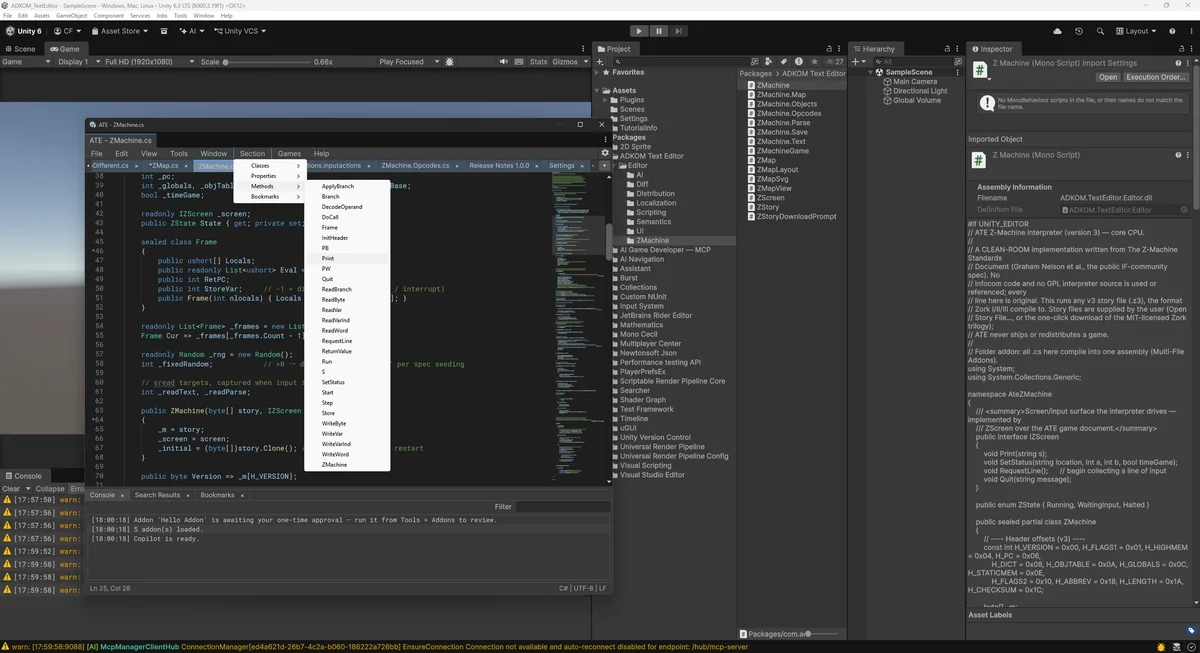
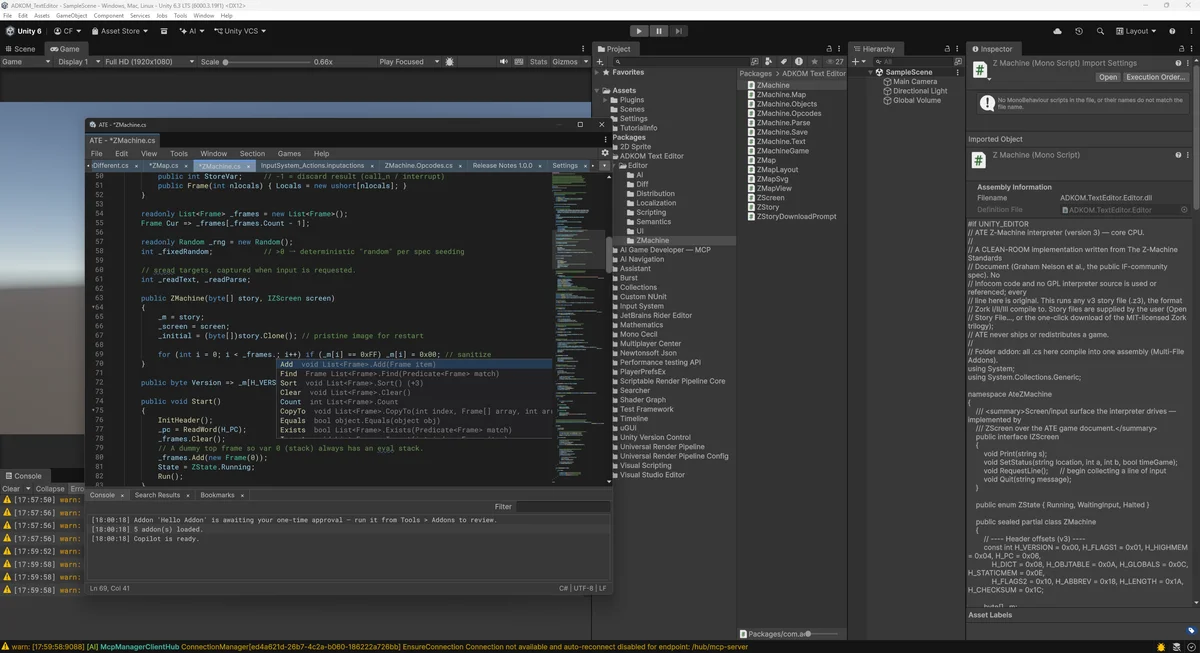
A full code editor inside the Unity Editor: compiler-accurate C# completion, multi-caret editing, find in files, diff/merge, and Git. Tabs survive reloads, restarts, and crashes. No more alt-tabbing to an external IDE — and 100% Editor-only, so nothing ships in your build.
Description
ADKOM Text Editor is an open-source project located on GitHub. You can download it free there. Choosing this purchase supports our future development, and we are very grateful for every contribution.
Fixing two lines of code shouldn't require another program. If you double-click a script, don't you want it to open right there in the Unity Editor? ATE is a full code editor docked inside Unity. It has compiler-accurate C# completion, live error underlines, Go to Definition, rename, multi-caret editing, project-wide find and replace, diff/merge, and Git. Your open tabs survive domain reloads and editor restarts. They survive crashes too, unsaved changes included.
ATE is Editor-only, and we verified that by auditing real player builds. Nothing of ours ships in yours. The full C# source is in the package, and development happens in the open on GitHub. No account, no telemetry. It stays off the network unless you ask it to check for something. Themes and keymaps match Visual Studio, VS Code, and Rider, so it should feel familiar on day one. Buying here funds development and gets updates through My Assets.
New in 1.1.2:
- Git Time Lapse: scrub a slider through a file's entire git history, oldest commit to your live tab, with full syntax coloring. Each step tints added and changed lines diff-style, shows the commit's date, hash, author, and message, and can copy any revision back into your tab. Sliding-window fetching keeps huge histories instant.
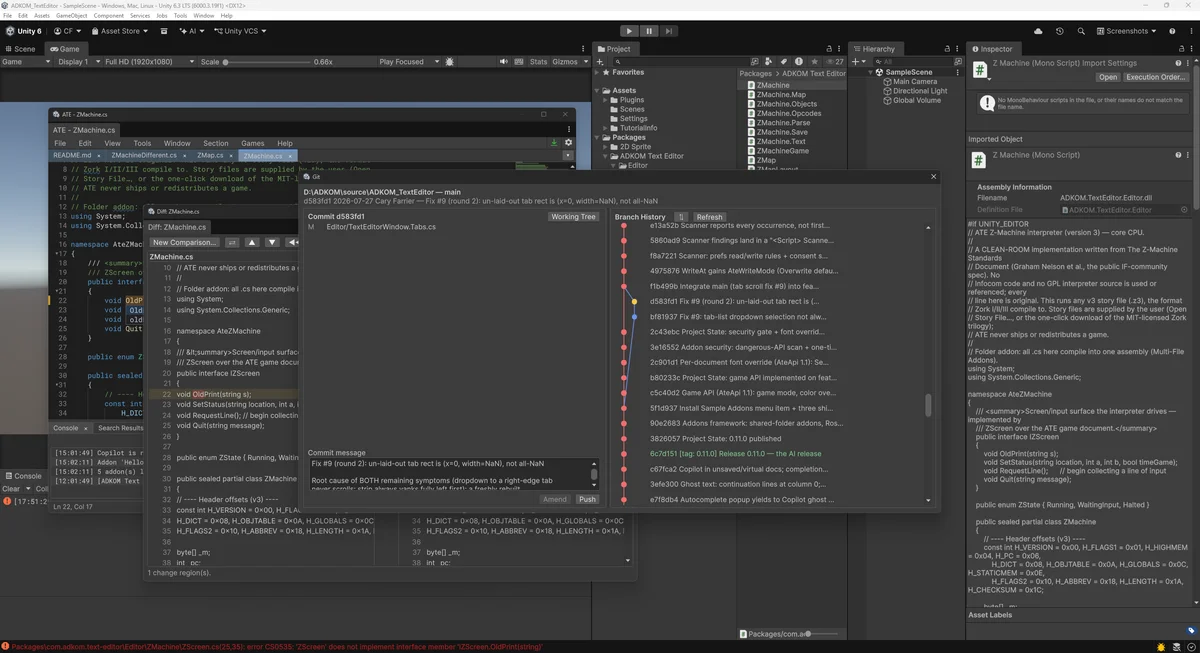
- A better Git Changes pane: bulk staging, a filter over the file list, color-coded status letters, and per-file context menus offering exactly what each file's state allows: Stage, Unstage, Discard, Diff, Blame, File History, Time Lapse.
- Improved File History as a real, searchable tab instead of a popup.
- Smarter context menus: every right-click shows only what applies to the view it's in.
- Rendered Markdown: relative file links open as ATE tabs, tooltips show link destinations, right-click offers Open Link in Browser, triple-click selects the paragraph.
- Plus status-bar selection counts, Show in File Explorer on the tab strip, and author emails everywhere.
1.0.4:
- Fast at any size. Fully virtualized rendering keeps typing under 15 ms even in 5,000+ line files. Word-level, deterministic undo — one undo removes one word, never minutes of work.
- C# that understands your project. Syntax highlighting out of the box. Opt-in Semantic Features add compiler-accurate colors, code completion with real member lists and signatures, live error underlines as you type, Go to Definition across files and assemblies (Ctrl+Click / F12), Find All References, Rename Symbol (F2), and Format Document — powered by bundled MIT-licensed Roslyn that installs into your project only after you consent.
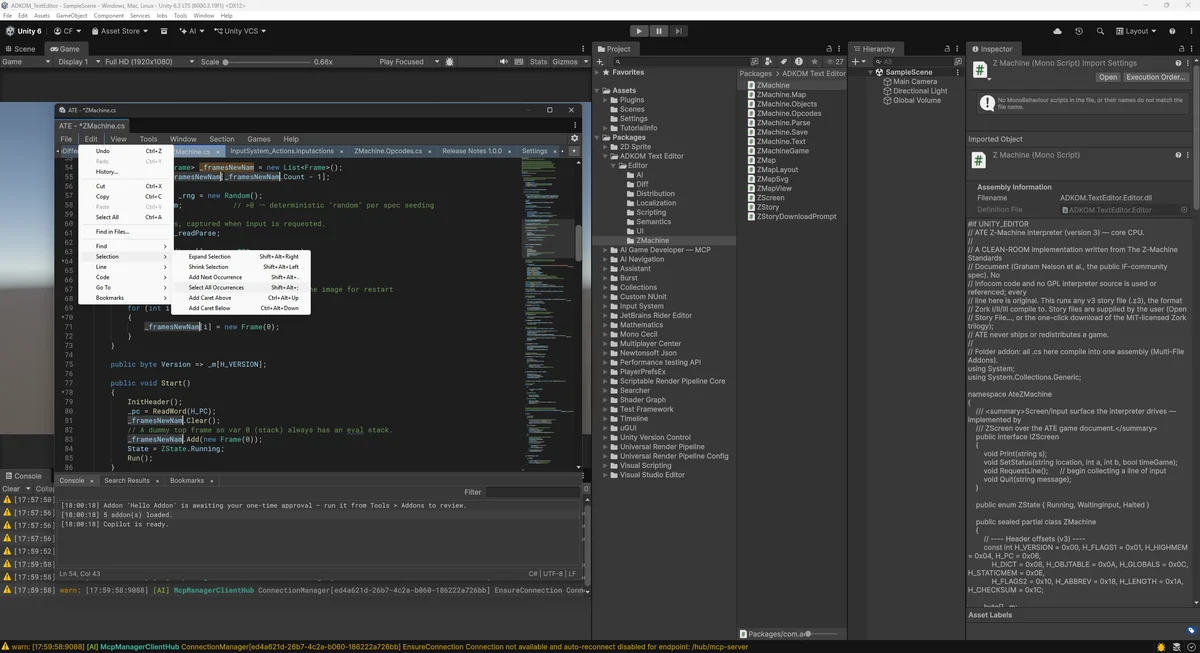
- Edits like an IDE. Multi-caret and column selection, word autocomplete, auto-closing brackets, brace matching, code folding, indentation guides, snippets with tab stops, Unity magic-method and override generators, Quick Open, bookmarks with a dedicated view, expand/shrink selection, case transforms, sort lines, block comments, and caret history navigation.
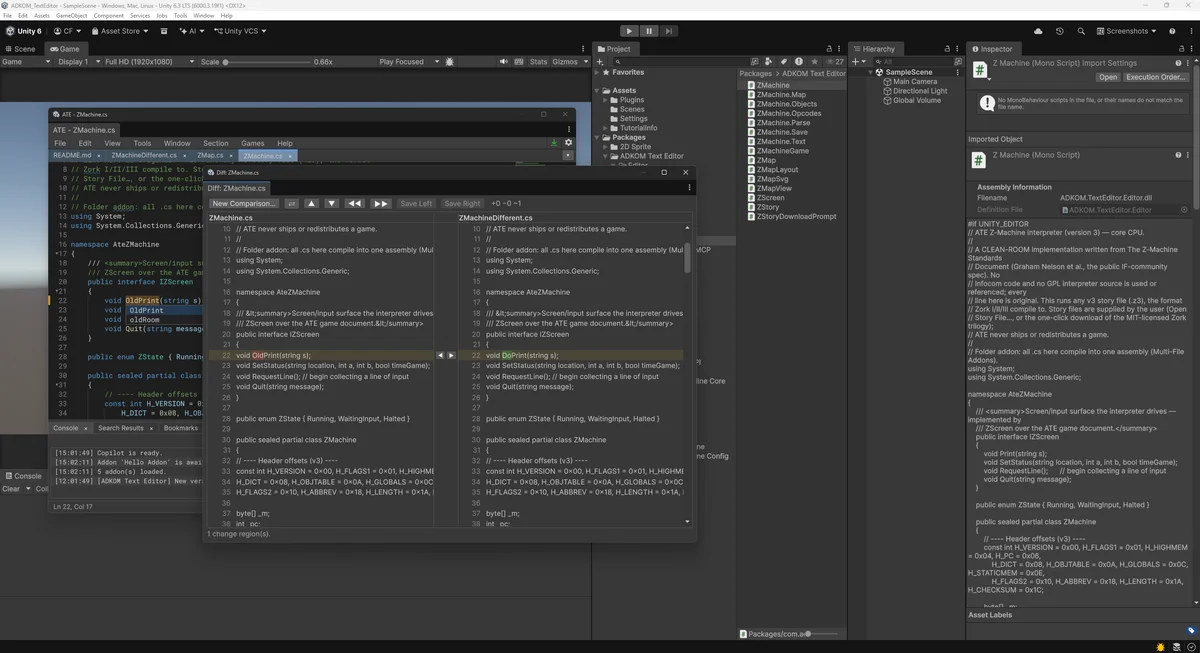
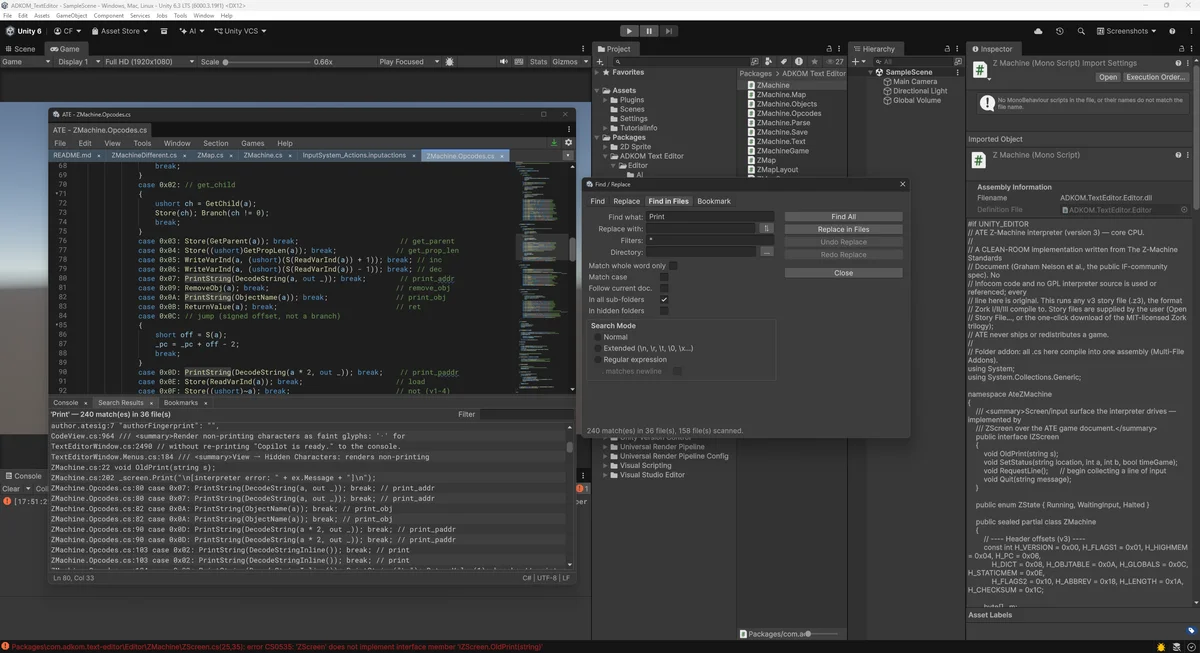
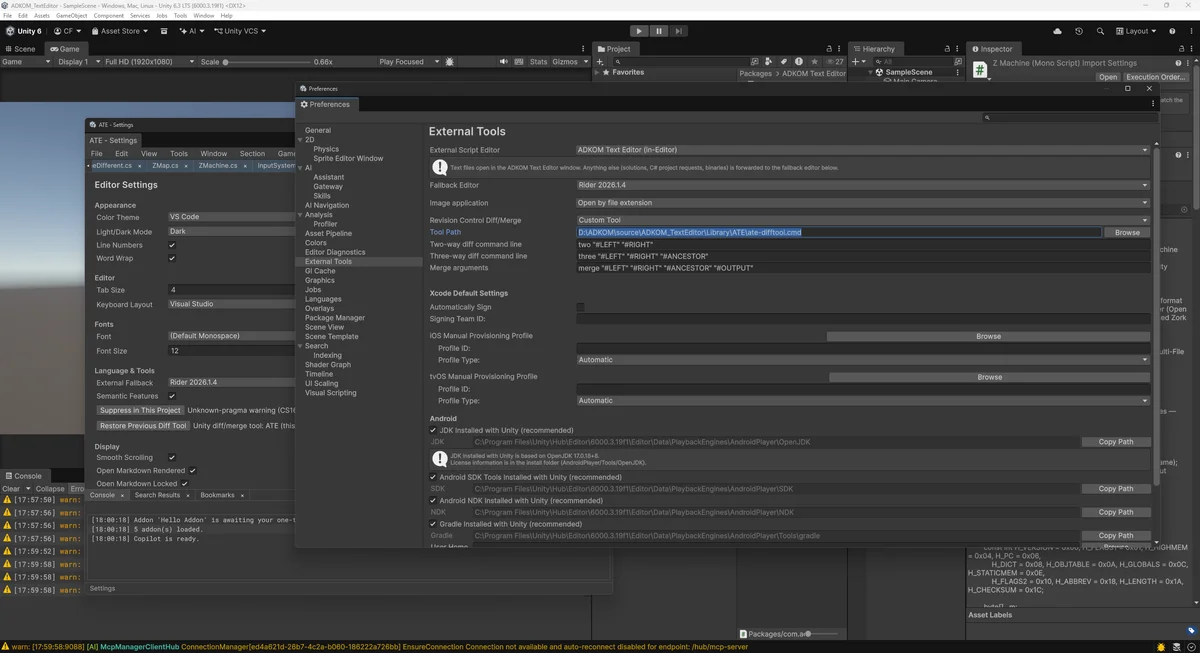
- Find and compare, project-wide. A tabbed Find/Replace dialog (Normal, escapes, regex) with Find in Files and global undo across every touched file. A full diff/merge suite: files, folders, and open tabs side-by-side with exact changed-span highlighting, two-way merging with per-change copy buttons, three-way merge with conflict panels — and one click makes ATE Unity's own Revision Control diff/merge tool.
- Git, built in. Gutter markers against HEAD as you type, blame, file history, stage/commit/push panel, and an interactive branch-history tree. Uses your system git.
- Markdown, both ways. Full source coloring, or a rendered reading view with character-precise selection, plus a WYSIWYG editing mode with click-to-edit blocks and a 16-button formatting toolbar.
- Survives everything. Open tabs — including unsaved buffer content — live through domain reloads, editor restarts, and (via 30-second autosave) even editor crashes. External change detection, deleted-file rescue, and your files' tabs, line endings, and BOMs round-trip untouched.
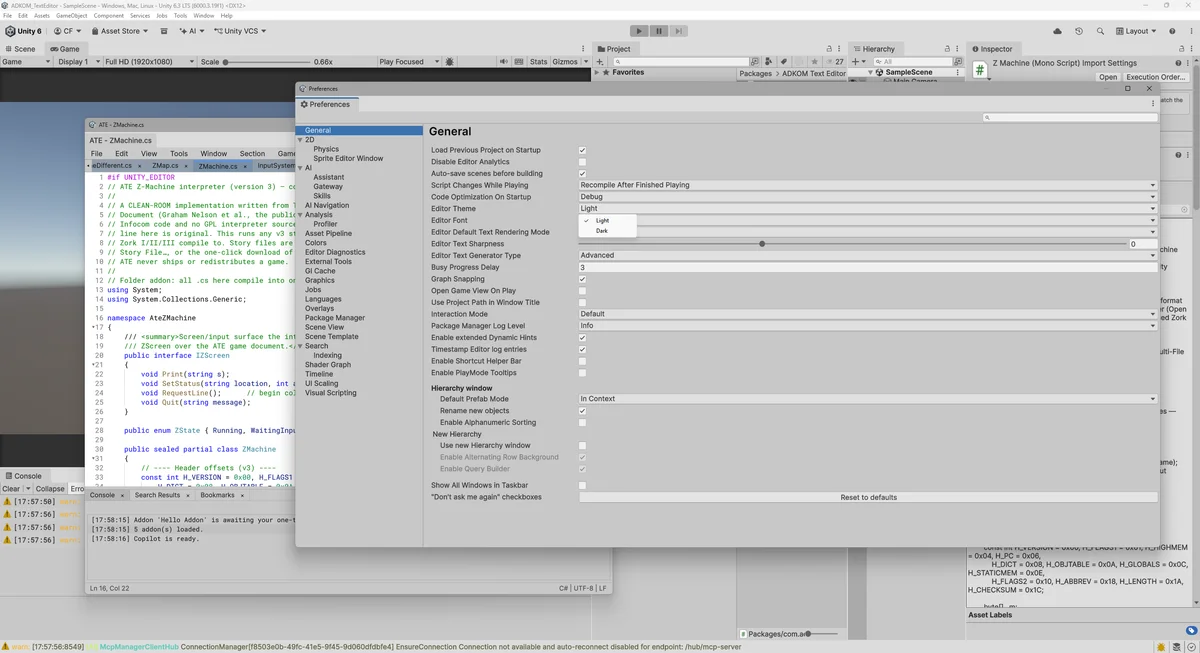
- Comfortable everywhere. Native menu bar with per-layout shortcut hints, color themes and keyboard layouts matching Visual Studio, VS Code, and Rider, a Section menu that jumps to any symbol, tooltips on every control, a full local manual, and localization in English, Japanese, Korean, Simplified and Traditional Chinese. Non-modal by design: ATE never freezes the Unity Editor.
- Optional AI, your accounts. GitHub Copilot inline suggestions (your subscription + local Node.js) and Ask Unity AI (Unity's Assistant package). Both off until you turn them on.
- Extensible. A stable, semver'd scripting API (AteApi) for your own editor scripts, plus a folder-based addon system with source scanning, one-time approval, and signing — sample addons included, from Word Count to a full Rogue port.