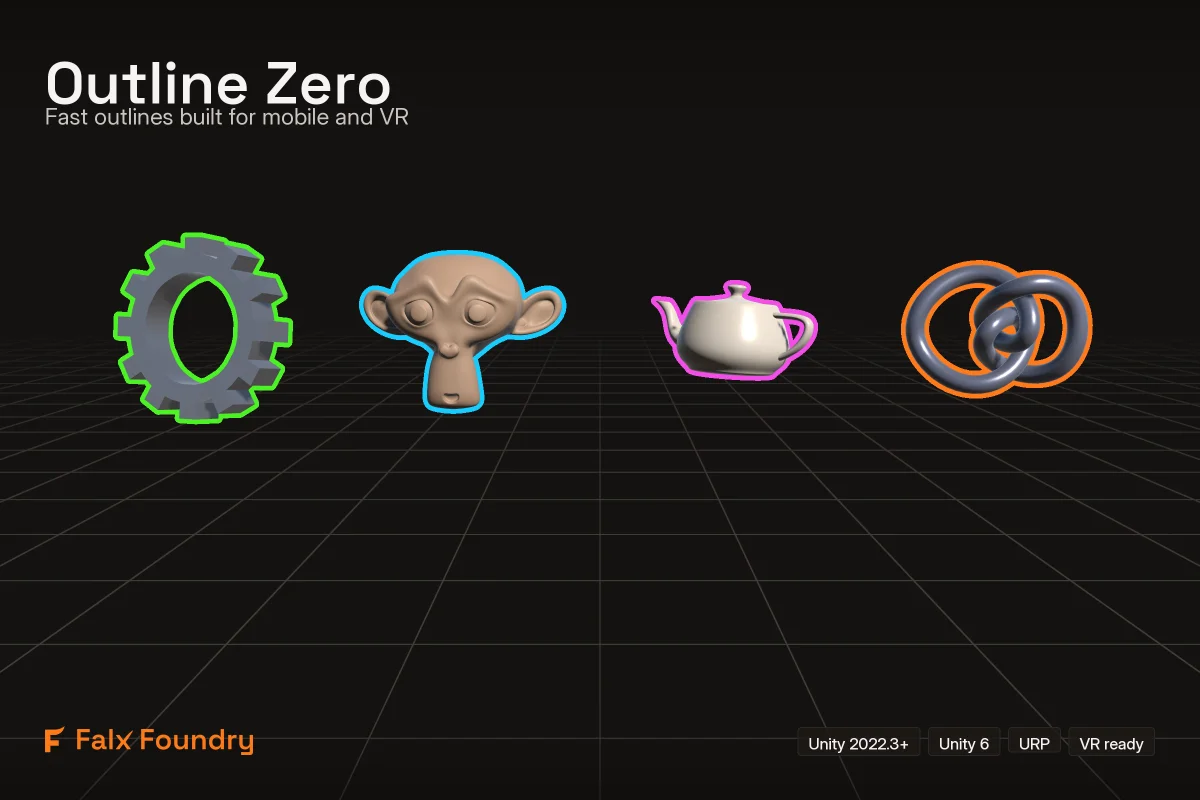
Smooth screen-space outlines for URP with a fixed per-frame cost. Built for mobile and VR with MSAA 4x.
Built for MSAA on mobile
Screen-space effects and MSAA are an expensive combination on mobile GPUs, and most outline assets pay that price in full. Outline Zero is designed around it*; the measured numbers are in the Performance Data section below.
*Performance mode needs Unity 6 (URP 17). On Unity 2022.3 (URP 14) the package still works and produces the identical picture, through its Compatibility mode. If you are on 2022.3, you do not get the performance benefits until you move to Unity 6 or newer.
Smooth, because it is screen space
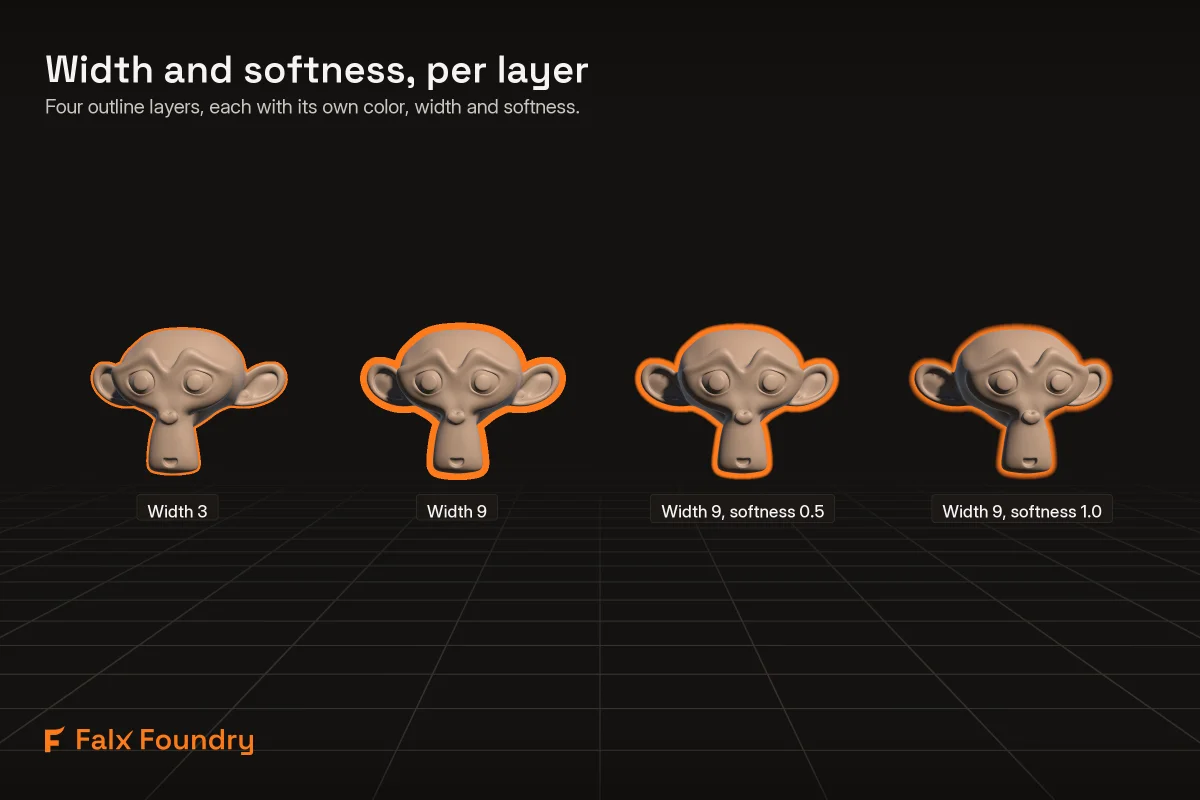
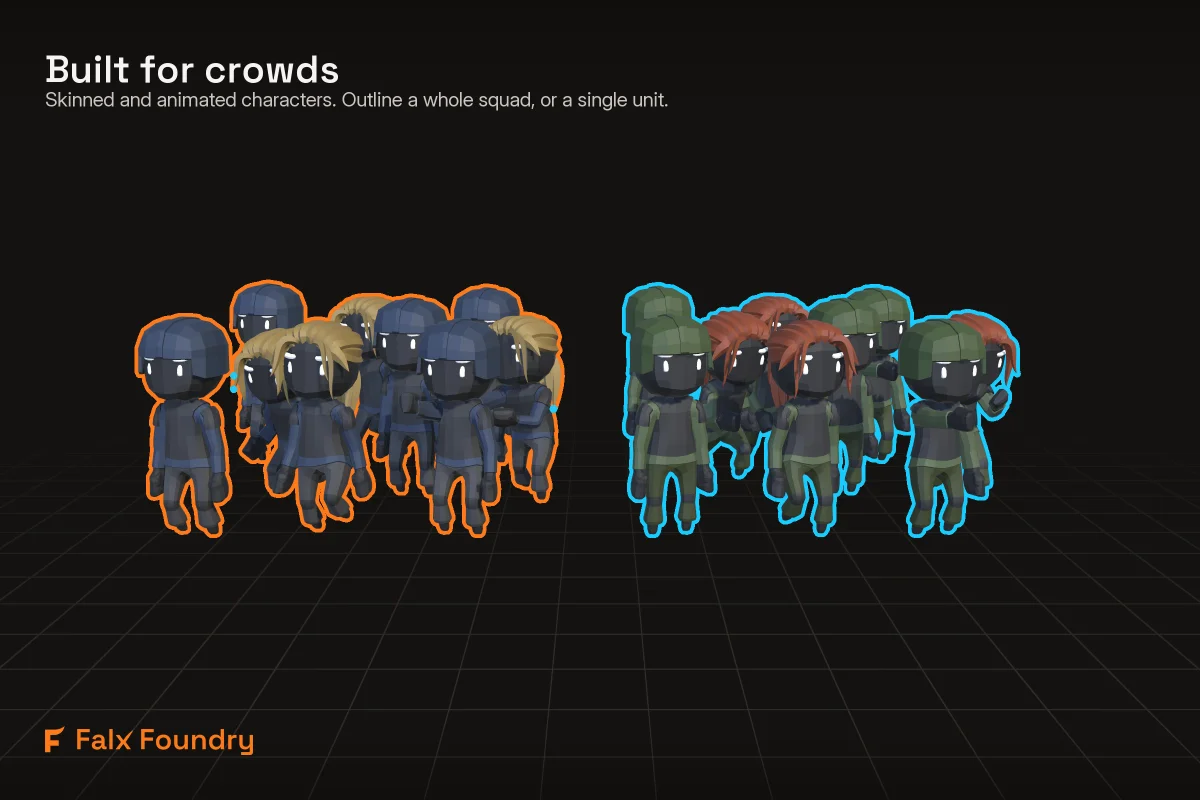
The outline is computed from the rendered image, not from mesh geometry. Edges are smooth, corners are rounded, thickness is even on diagonals, and a softness control fades the outer edge into a glow. Width and softness do not change the cost: a 16-pixel soft glow costs what a 2-pixel hard line costs. It works on any mesh, skinned or static, with no mesh preparation.
Cost follows the area you outline
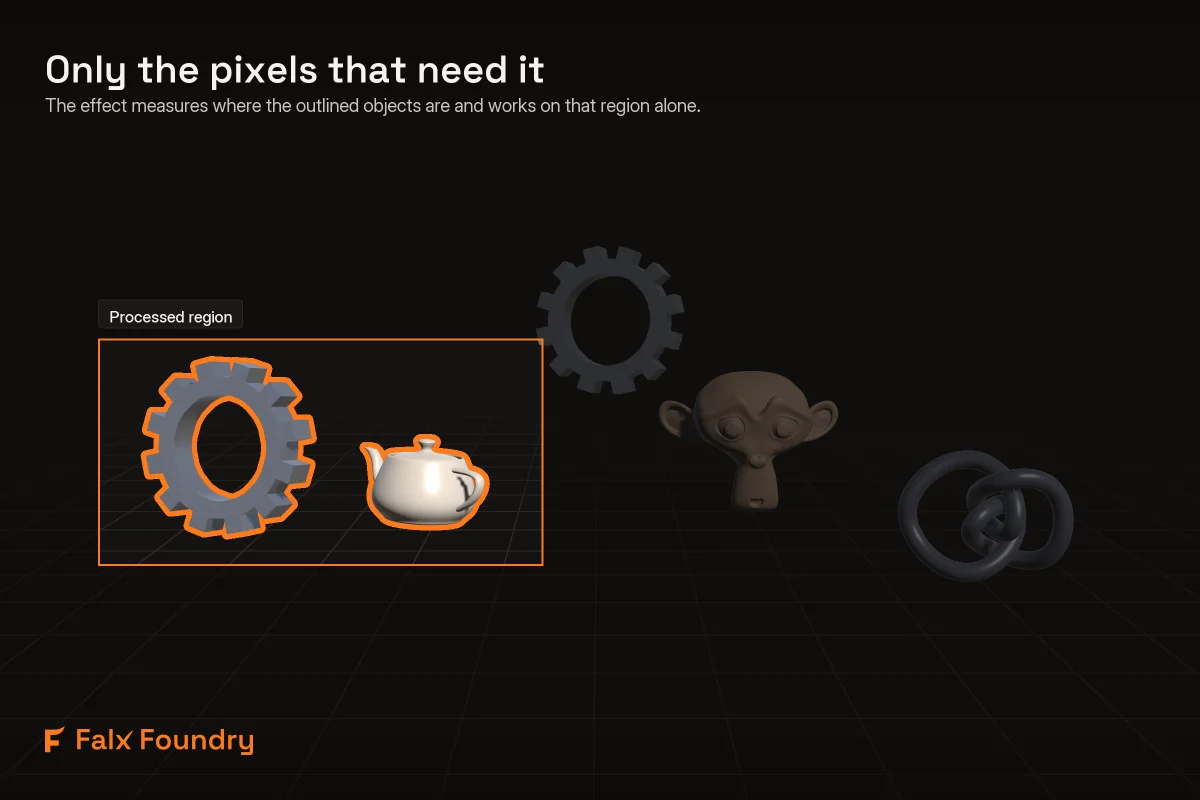
Thanks to a smart, adaptive-based scissor algorithm, only the screen area covered by the outline objects will actually get rendered and processed by the post-process effect. Everything outside that area is never rendered or processed by the effect. Depending on your scene this cuts the cost significantly: a typical selection highlight covers a small part of the screen and costs about half the numbers below. It is on by default and never changes what the outline looks like.
Four layers, on purpose
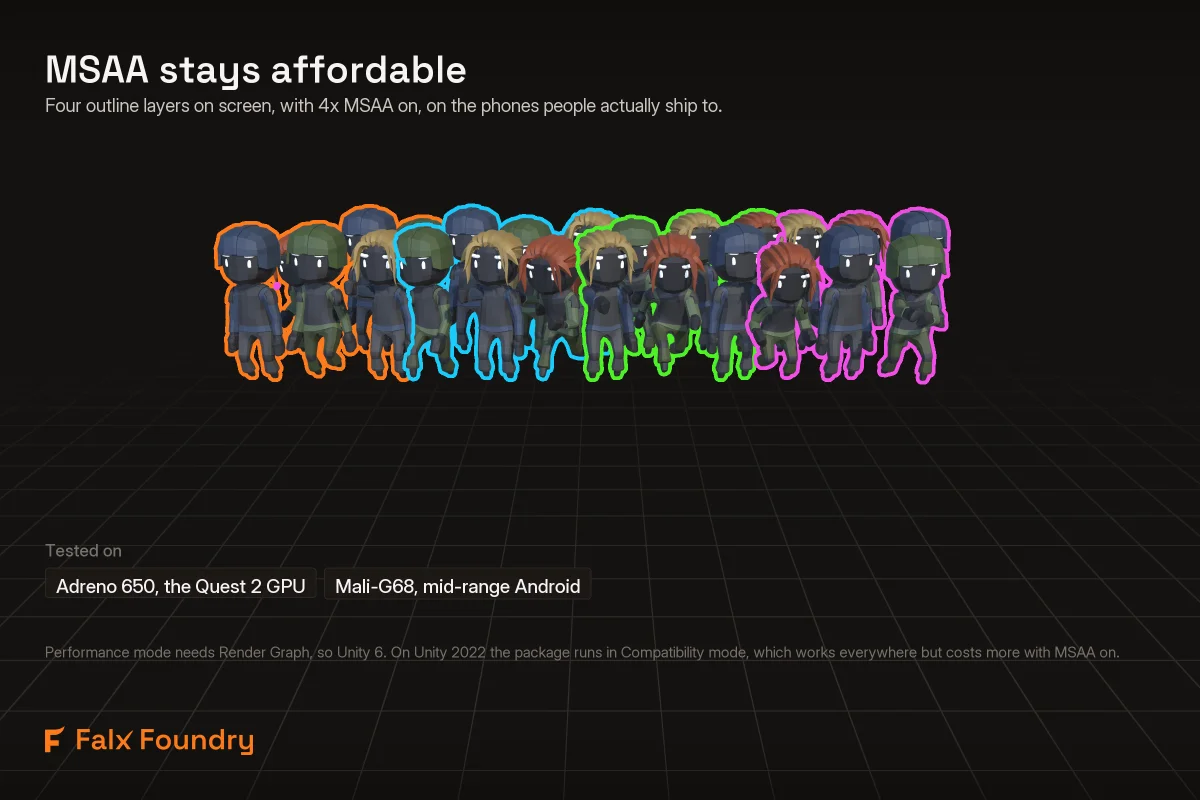
Each layer has its own color, width and softness, and a defined rule decides which outline wins where two overlap. To hit the performance goals on mobile GPUs with MSAA, the number of layers is fixed at four.
Plug and play, and faster if you write shaders
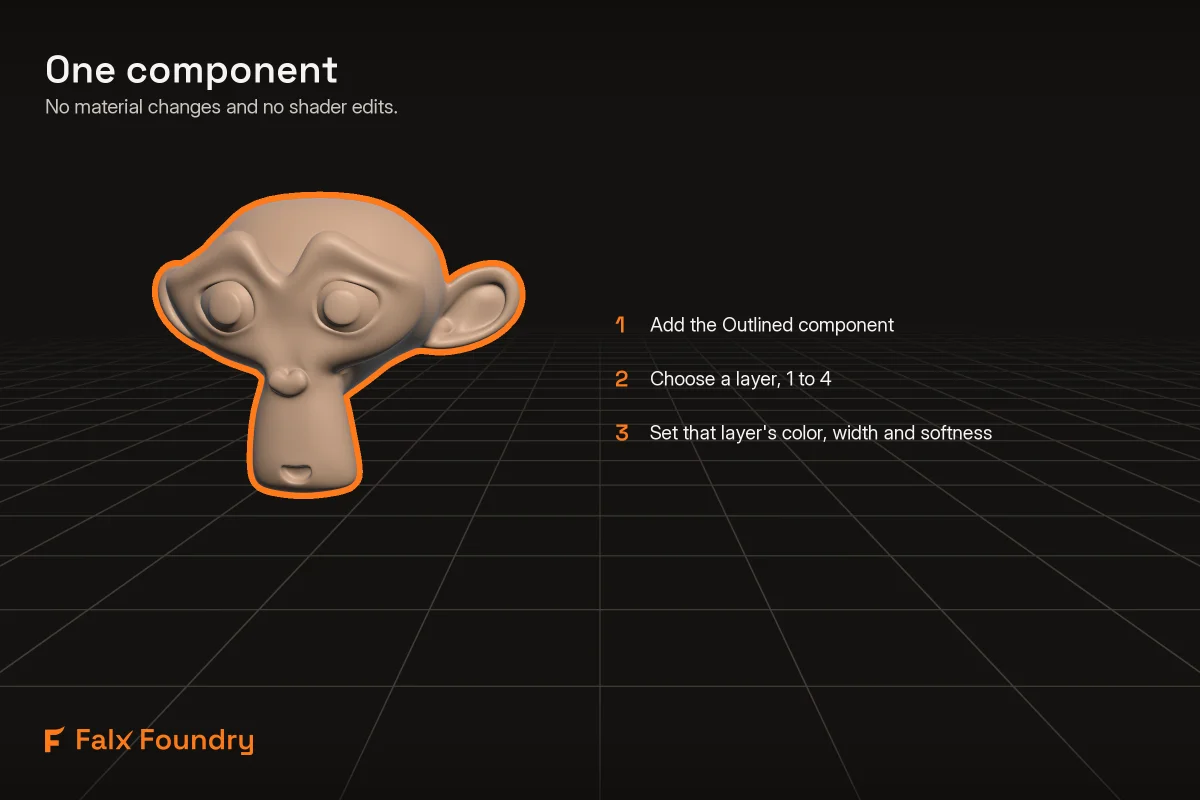
Add the Outlined component to an object and it has an outline. No material swaps, no layer setup, and the samples do not touch your project settings. Behind the scenes each outlined object is drawn once more with a very cheap shader: 0.3 to 1.0 ms for 120 objects. If you write your own shaders, Pro Mode removes even that: add a three-line block to your shader and you get the outline with no additional draw calls. Pro Mode is also the path for Entities Graphics and the GPU Resident Drawer, which cannot be outlined automatically.
VR
Designed for and measured on the Quest 2's GPU: the S20 FE numbers above come from the same Adreno 650. Single-pass instanced rendering is supported and covered by automated tests on every change. However, it has NOT been validated on a physical headset yet.
What you get
✅ The Outlined component, and a runtime API for adding, removing and restyling outlines in play
✅ Two rendering modes that produce the same picture down to the pixel: Performance (default) and Compatibility
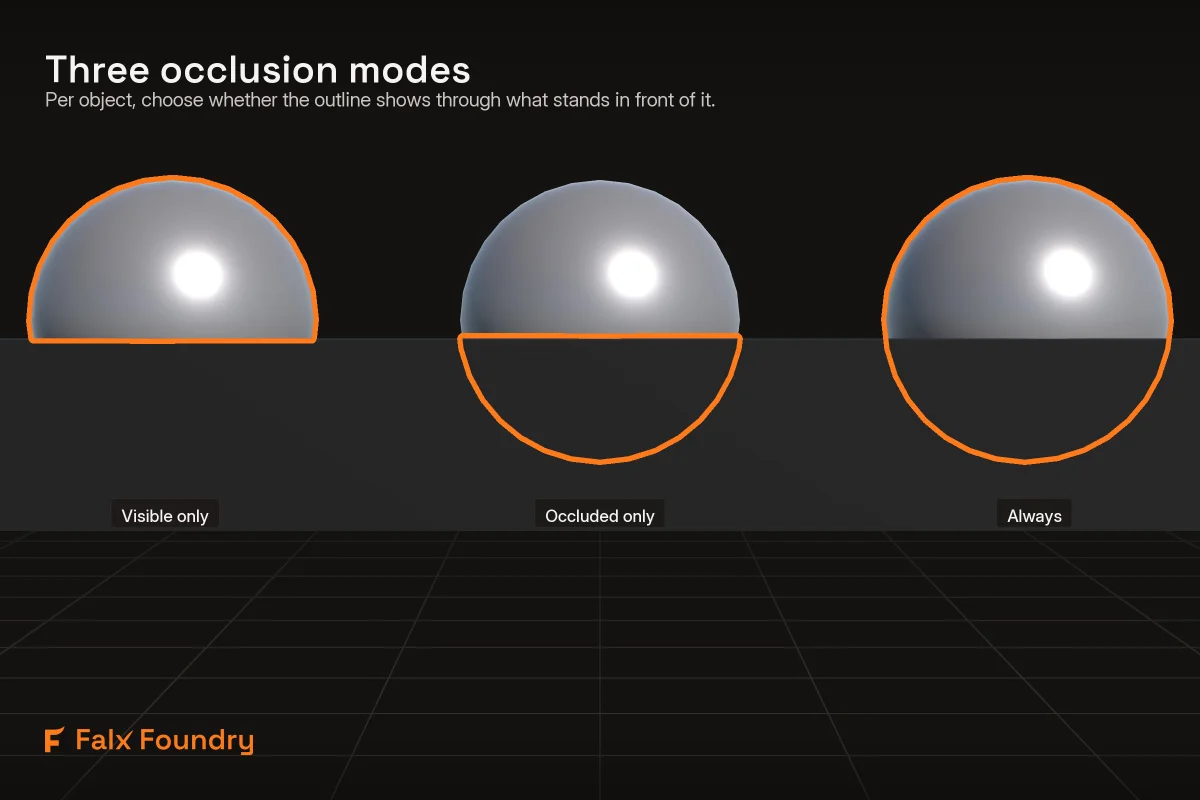
✅ Per-object occlusion control: visible parts only, through walls, or occluded parts only
✅ Three samples: selection and hover, a 120-unit stress field, and a four-layer showcase
✅ Setup validation with one-click fixes, and an inspector that reports what the last frame actually did
✅ Full C# and shader source, zero per-frame allocations
Honest limits
Performance is a set of decisions, and the decisions show:
- URP only. Not Built-in, not HDRP, not the 2D renderer.
- Performance mode needs Unity 6 (URP 17). On Unity 2022.3 the package runs in Compatibility mode: the same picture, at the conventional MSAA cost.
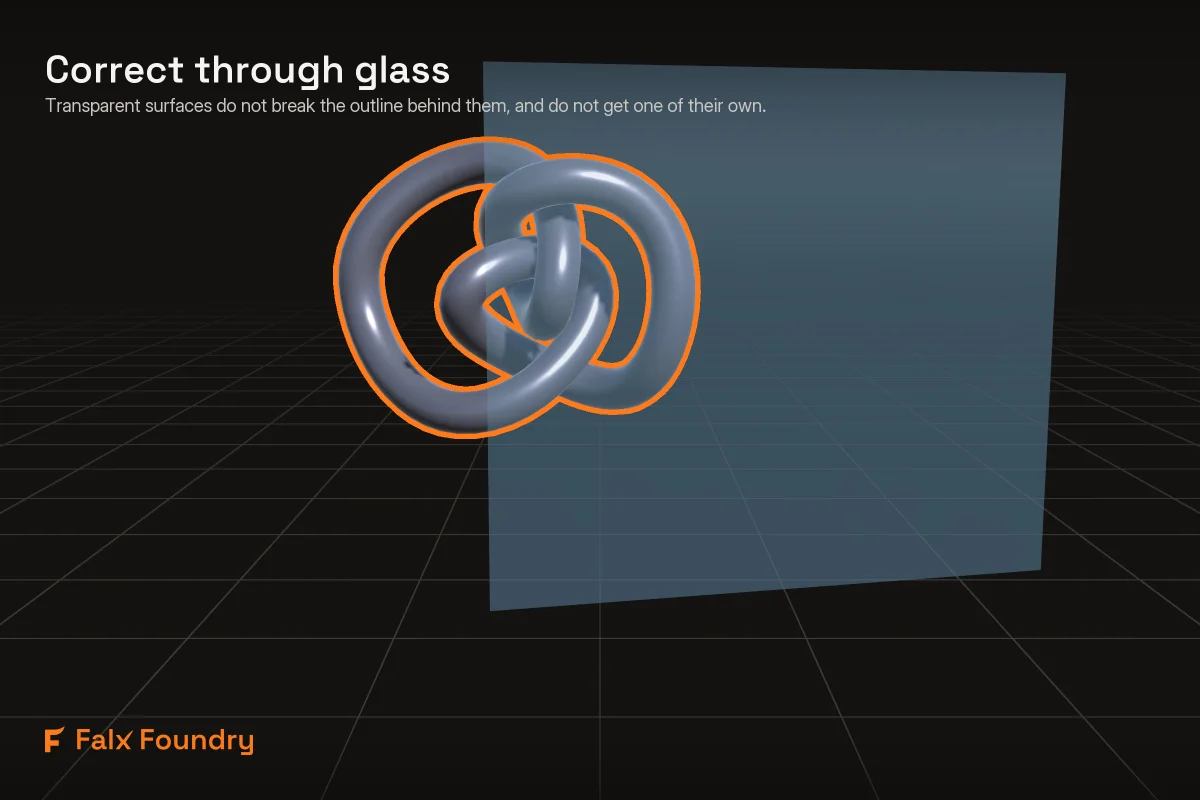
- Transparent objects cannot be outlined themselves. The outline draws over them instead,
- Outlines come from your main camera. Camera stacks work. However, an object only an overlay camera can see is not outlined.
- With HDR on, Performance mode needs HDR Precision set to 64 bits in your URP asset. On a format it cannot use, the package switches that camera to Compatibility mode by itself and says why.
Performance Data
Measured on a Galaxy S20 FE (the same GPU as a Quest 2) at 1080p with MSAA 4x, in a busy scene:
- One outlined layer: 4.5 ms per frame, holding 60 fps
- All four layers: 5.3 ms, still holding 60 fps
- The same effect done the conventional way costs 18.3 ms on the same phone. That conventional path ships in the package as the Compatibility mode, for the projects that need it.
On a budget Galaxy A53: 3.9 and 5.2 ms. Two very different phones, nearly the same cost, so these numbers travel well to hardware in between.