Send in-game player feedback, bug reports, and support requests to FormSig, no backend required. Setup wizard, async API, optional diagnostics, and ready-to-run samples. Create forms at formsig.com and wire them up in minutes.
FormSig SDK connects your Unity project to FormSig so players can send feedback, bug reports, and support requests from inside your game, without building or hosting your own backend.
What it does
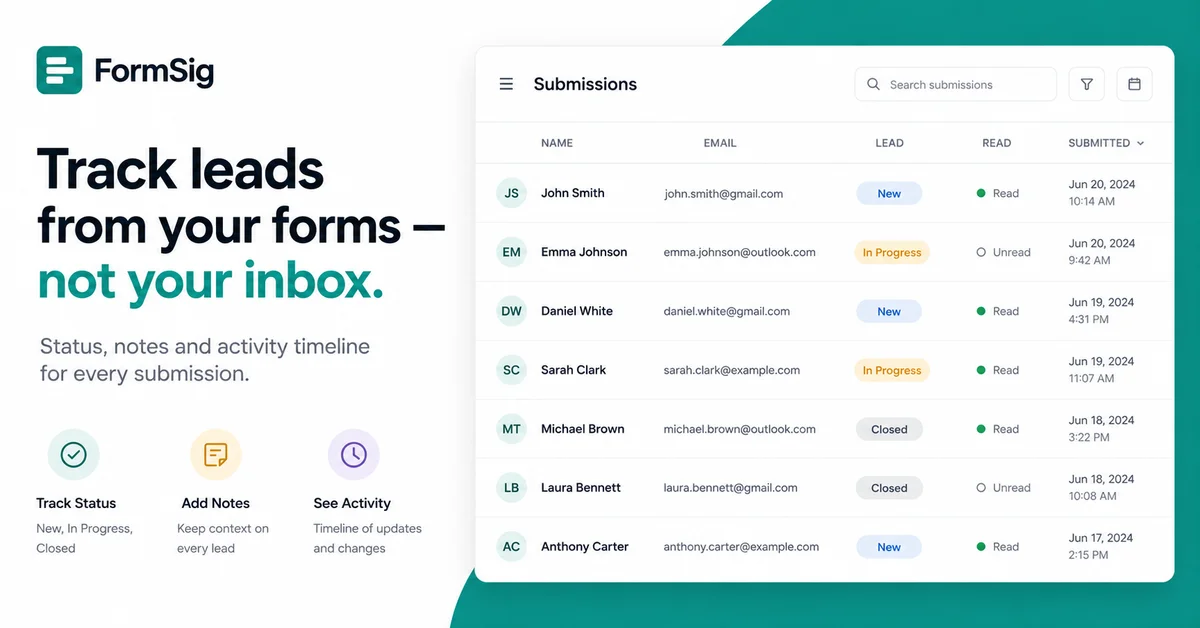
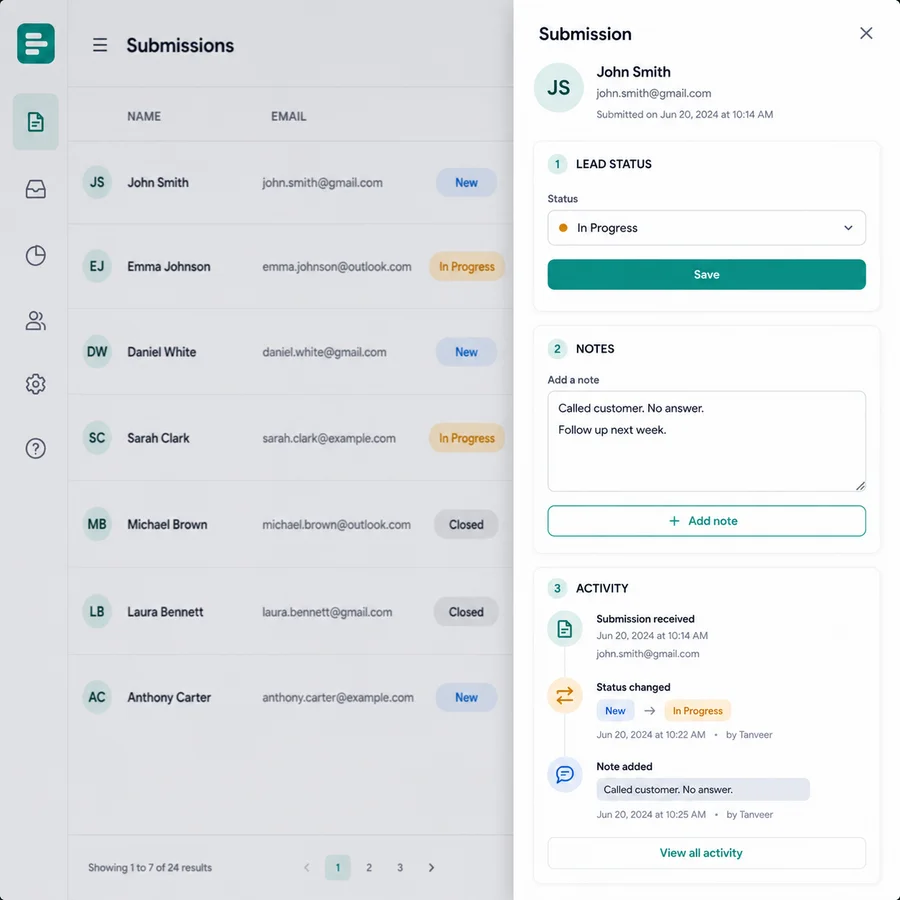
FormSig is a hosted form service. You create forms in the FormSig dashboard; this SDK sends submissions from Unity over HTTPS. Submissions appear in your FormSig inbox, with optional email notifications, the same workflow many teams use for websites, now wired for games.
Key features
- No backend required, point the SDK at formsig.com, add your form IDs, and submit
- Simple async API, SubmitFeedbackAsync, ReportBugAsync, ContactSupportAsync, or generic SubmitAsync with custom fields
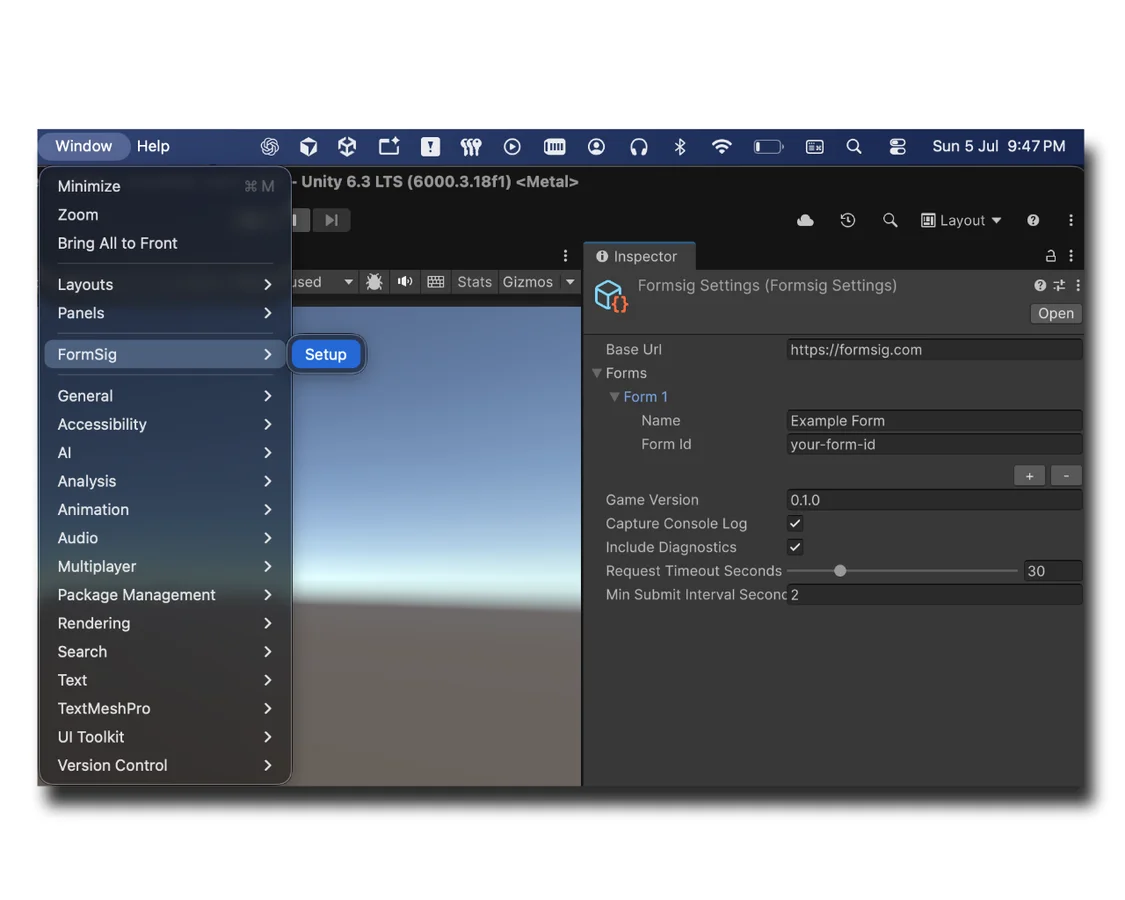
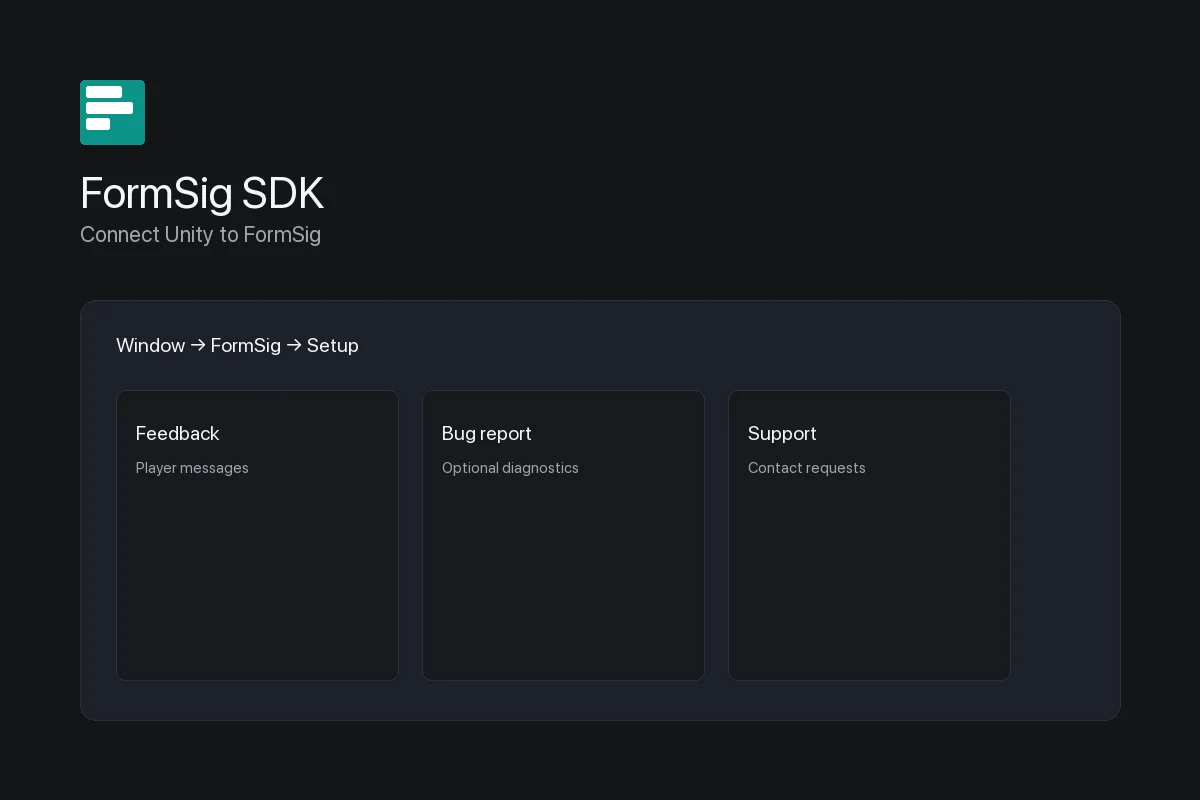
- Editor Setup window, Window → FormSig → Setup to manage forms and settings in one asset
- Multiple forms, map friendly names (e.g. “Player Feedback”, “Bug Reports”) to different FormSig forms
- Optional diagnostics, attach FPS, device model, and console log excerpts to bug reports via FormsigDiagnosticsRecorder
- Built-in rate limiting, helps avoid accidental spam during testing
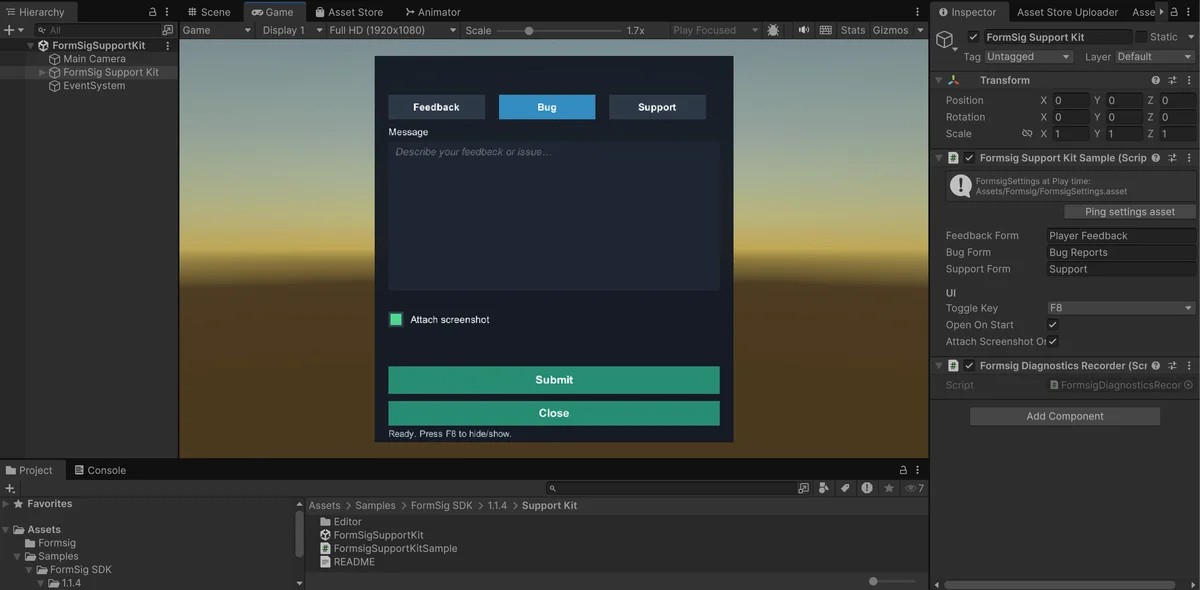
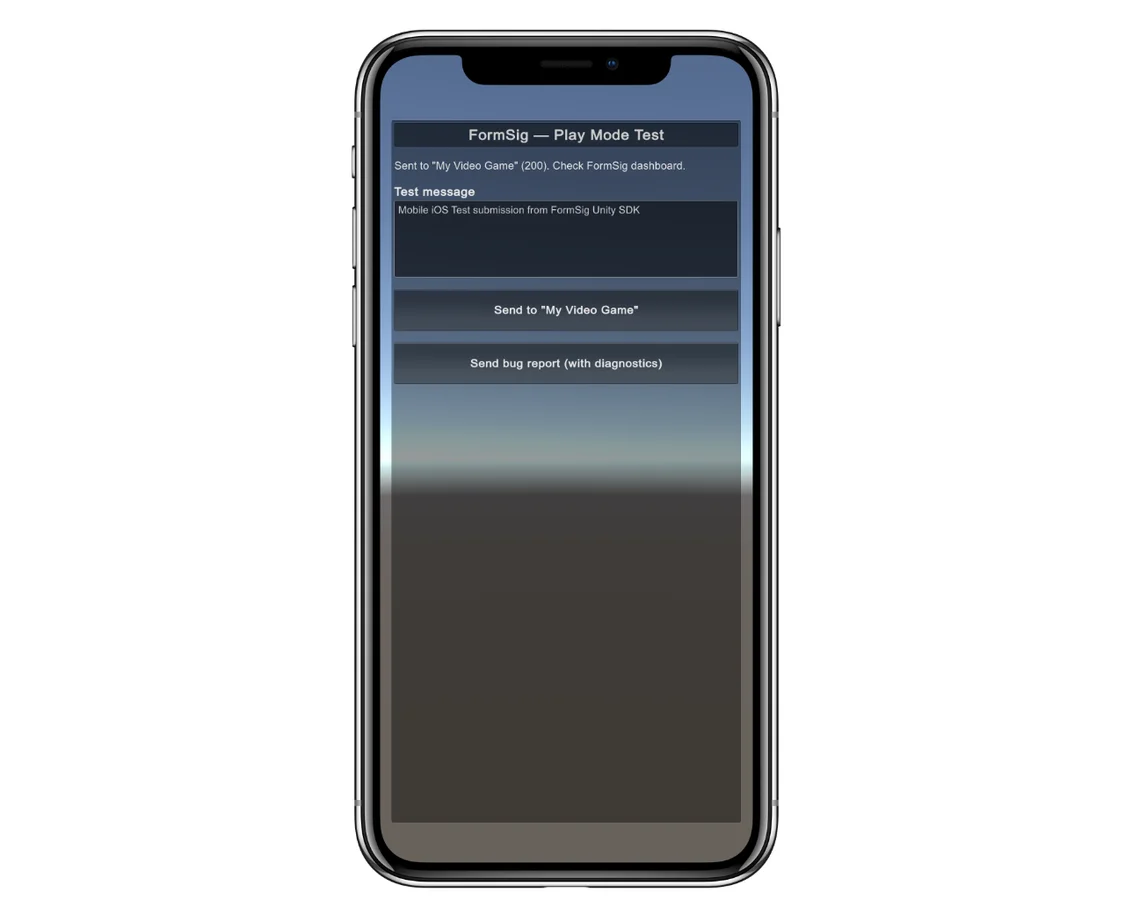
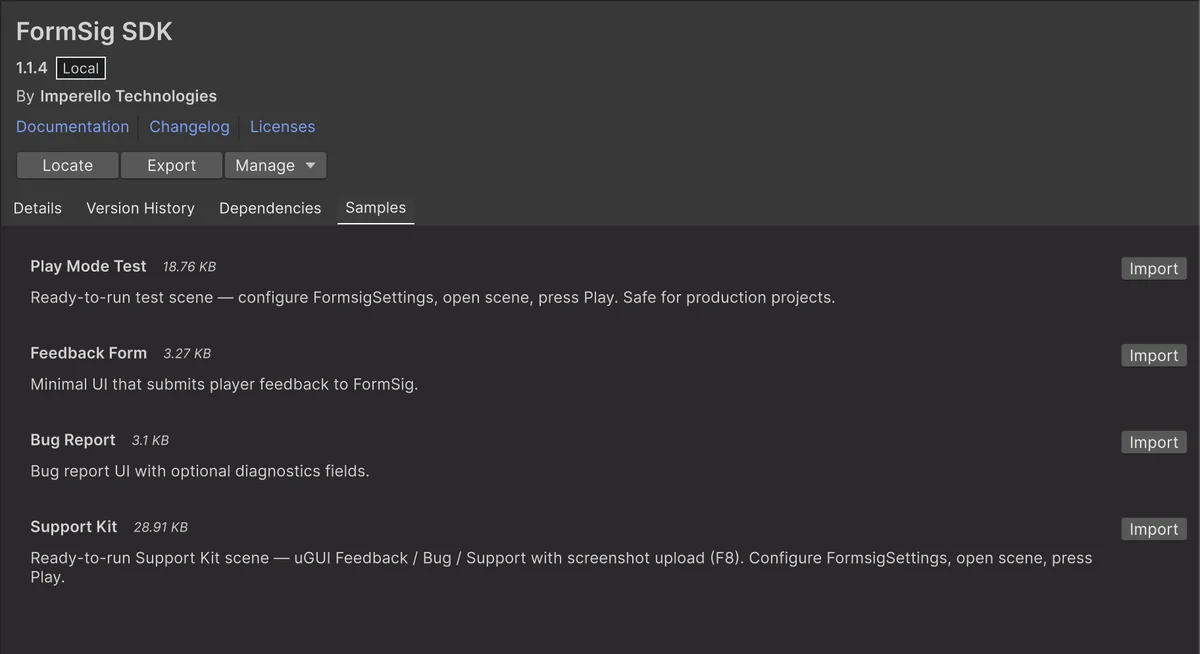
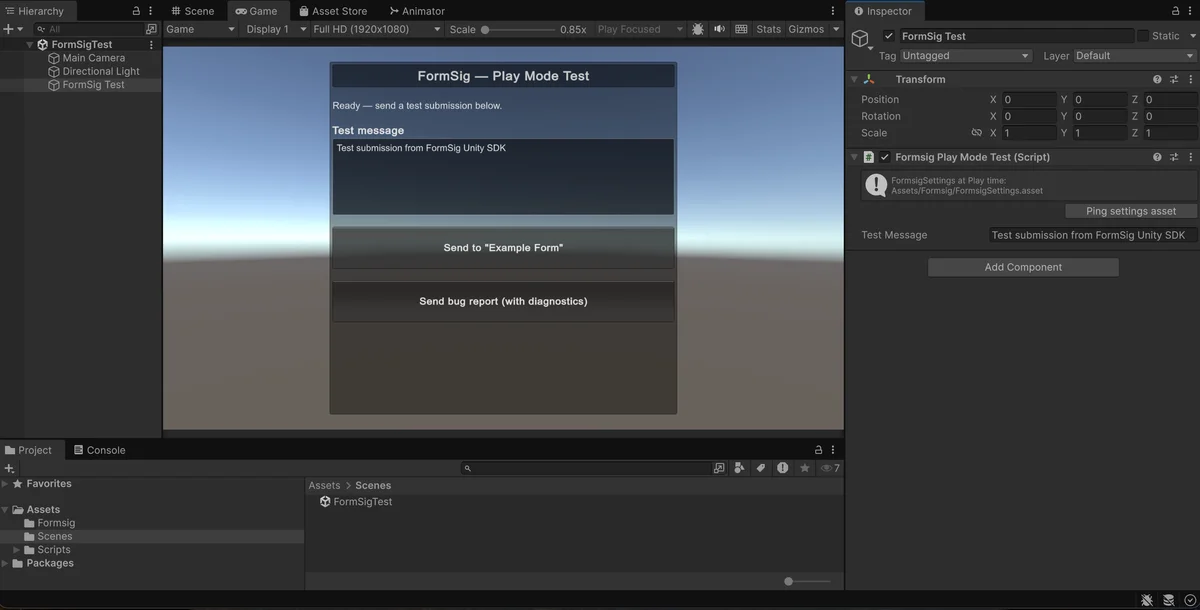
- Four importable samples: Play Mode Test, Feedback Form, Bug Report, and Support Kit (uGUI panel with Feedback / Bug / Support + optional screenshot)
- Optional screenshots / file uploads on bug reports (IncludeScreenshot / multipart)
- Support Kit sample for a drop-in in-game panel (F8)
- Dashboard Games kit form templates on formsig.com (optional, but useful)
Is the content customizable?
Yes. The SDK is a transport layer, not a fixed UI skin:
Forms & fields : You define forms and field labels on formsig.com. Match those labels in code or use the provided sample scripts as starting points.
UI : Samples include minimal IMGUI demos plus a uGUI Support Kit panel. Replace or restyle as you like.
Branding : Your game’s look and feel stays yours; only the submission endpoint is FormSig.
Configuration : Base URL, form bindings, timeouts, and log capture live in a FormsigSettings ScriptableObject you control.
Suitable for which projects?
Any genre and platform where you want player input:
- Mobile, PC, console-style builds, WebGL (where networking is allowed)
- Casual, hyper-casual, indie, mid-core, simulation, RPG, puzzle, multiplayer - anywhere you need feedback or bug reports
- Live ops, beta testing, early access, and post-launch support
- It does not replace analytics (retention, funnels) or crash reporters - it complements them with structured player messages you can read and act on in one place.
What you get
Runtime API : Submit from gameplay, menus, or tools
Editor tools : Setup wizard and settings inspector
Samples : Play Mode Test, Feedback Form, Bug Report, Support Kit and read to play scene.
Documentation : Getting started, API reference, security notes
Requirements
This package integrates with FormSig (https://formsig.com), a hosted form and feedback service.
- FormSig account required : create a free account at formsig.com
- Internet connection : the SDK sends submissions over HTTPS to your FormSig forms
- Form setup : create at least one form in the FormSig dashboard and add its Form ID in Window → FormSig → Setup
- No backend required : you do not need your own server; FormSig hosts the inbox and notifications
- Requirements: for screenshots, form needs a file field labeled Screenshot (or use Games kit templates).
The Unity package is free. FormSig offers a free tier for development and testing; paid plans may apply for higher volume (see formsig.com).
Quick start
Install FormSig SDK
Window → FormSig → Setup — add your form name + Form ID
Call FormsigClient.Configure(settings) at startup
Submit with one line from your UI or gameplay code
Import the Play Mode Test sample to verify everything in under a minute.
Or import the Support Kit sample and open FormSigSupportKit.unity.
Support
- Documentation in the package
- formsig.com
- GitHub
- hello@imperello.com