Generate sound effects, music, and dialogue from a prompt, then vary, loop, and turn a voice into a creature. The audio your game needs, made in one plugin.
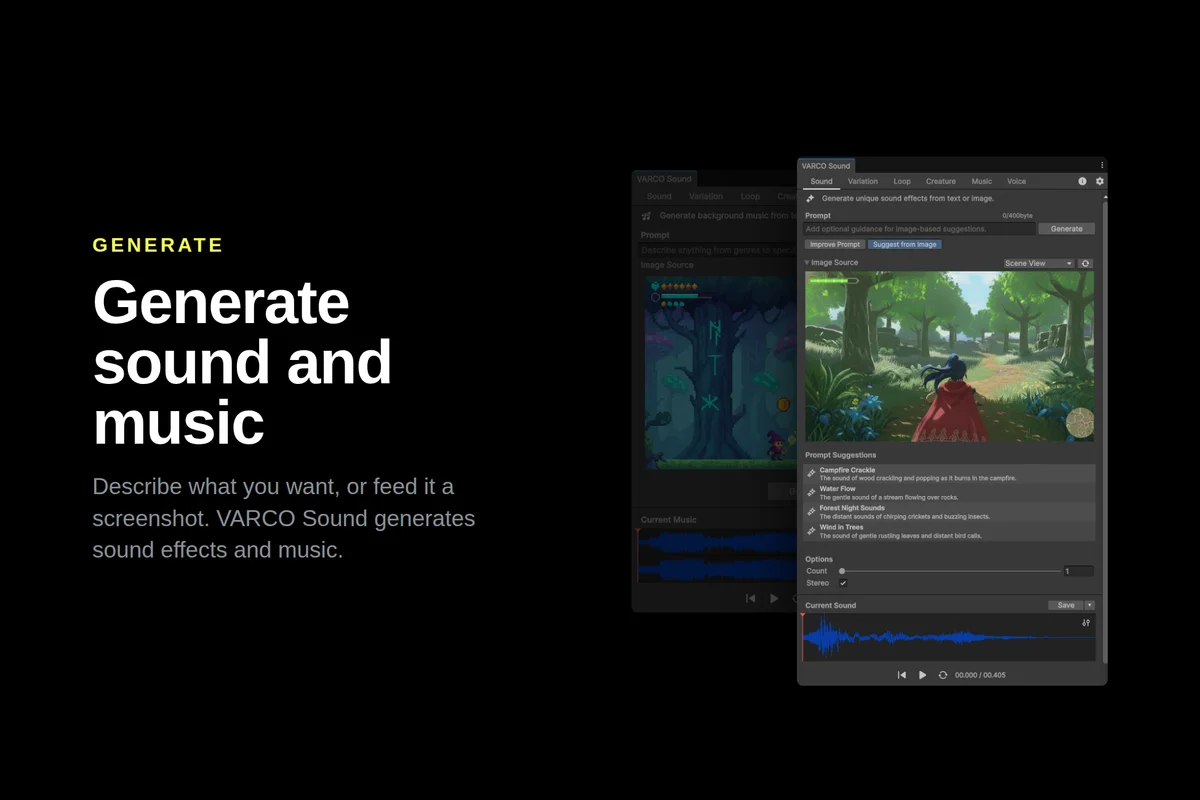
VARCO Sound generates the audio your game needs, right inside Unity: sound effects, music, creature voices, and dialogue, all from a single plugin. Describe what you need, or drop in a screenshot of your scene, and get usable audio in seconds.
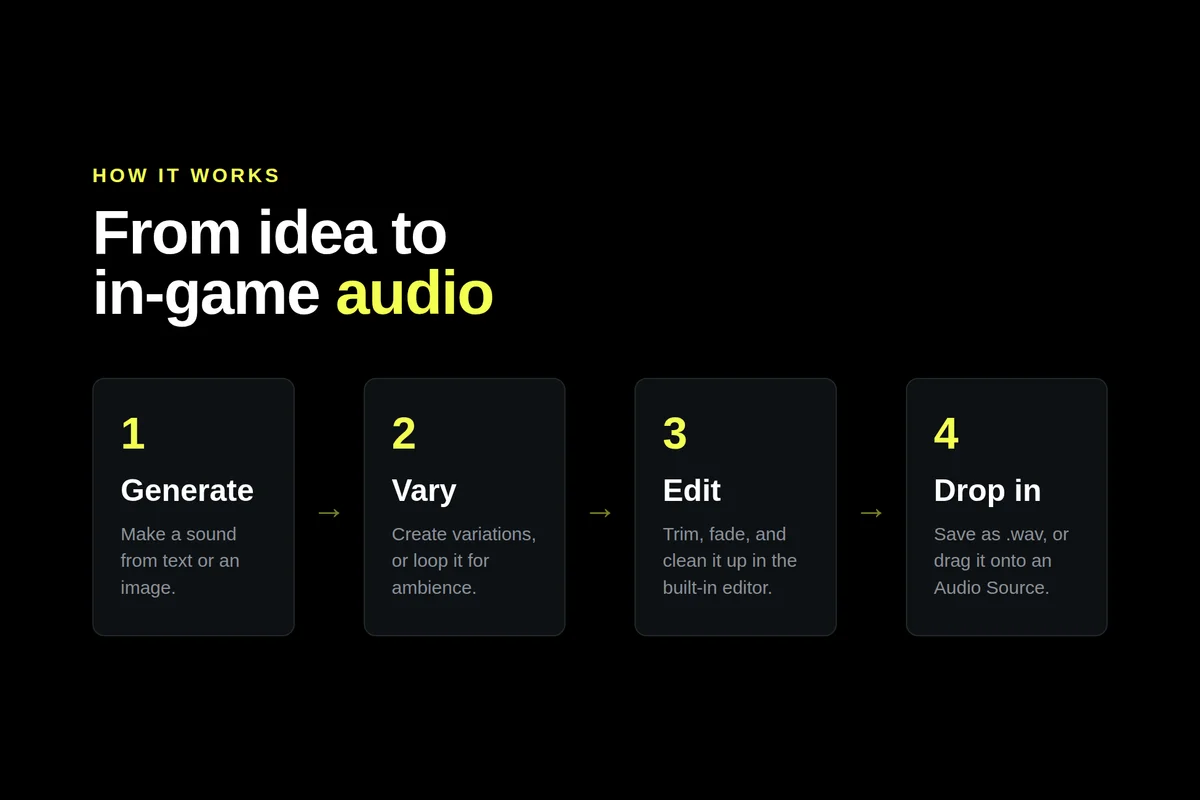
No audio experience needed. Generate a sound, create alternate takes with variation, loop it for ambience, or edit it in place, then drop the result straight onto an Audio Source.
WHAT YOU CAN DO
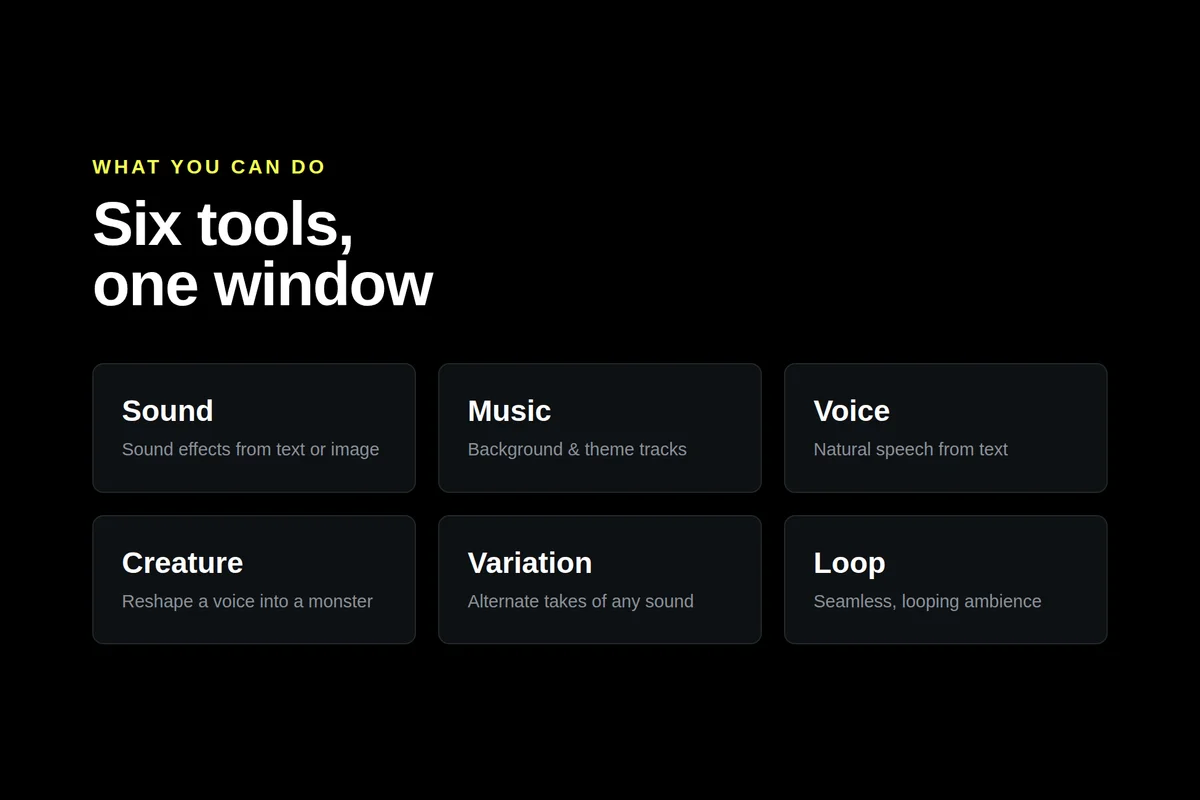
Sound Effects: Type what you want to hear and generate it. Footsteps on gravel, sword swings, UI clicks, explosions, rain, a magic spell, anything you can describe. Not sure how to word it? Use Improve Prompt for suggestions, or Suggest from Image to get ideas from a screenshot. Generate a batch at once and keep the takes you like.
Music: Score a scene from a short prompt like "tense dungeon ambience" or "upbeat village theme," from a reference image, or from both together. A quick way to get background and theme music that fits what's on screen.
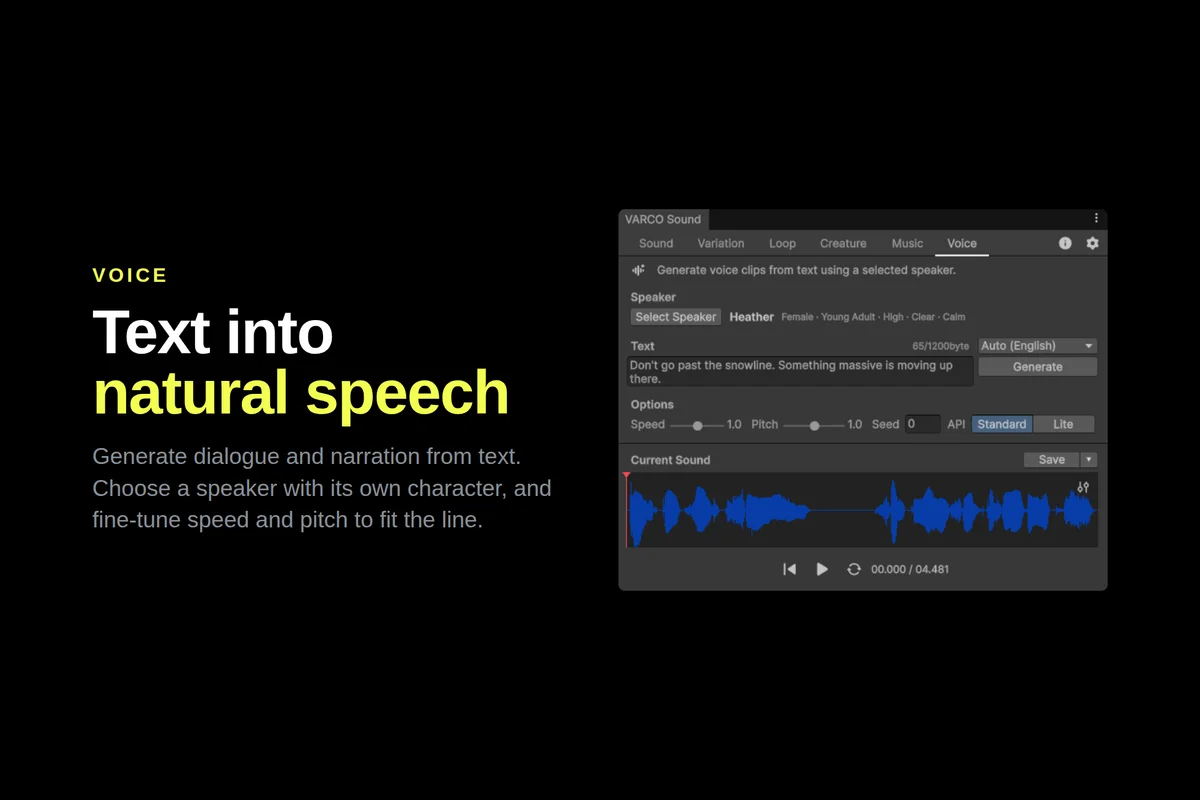
Voice: Turn text into natural speech for dialogue and narration, in Korean, English, Japanese, and Taiwanese. Pick a speaker and adjust speed and pitch to fit the character.
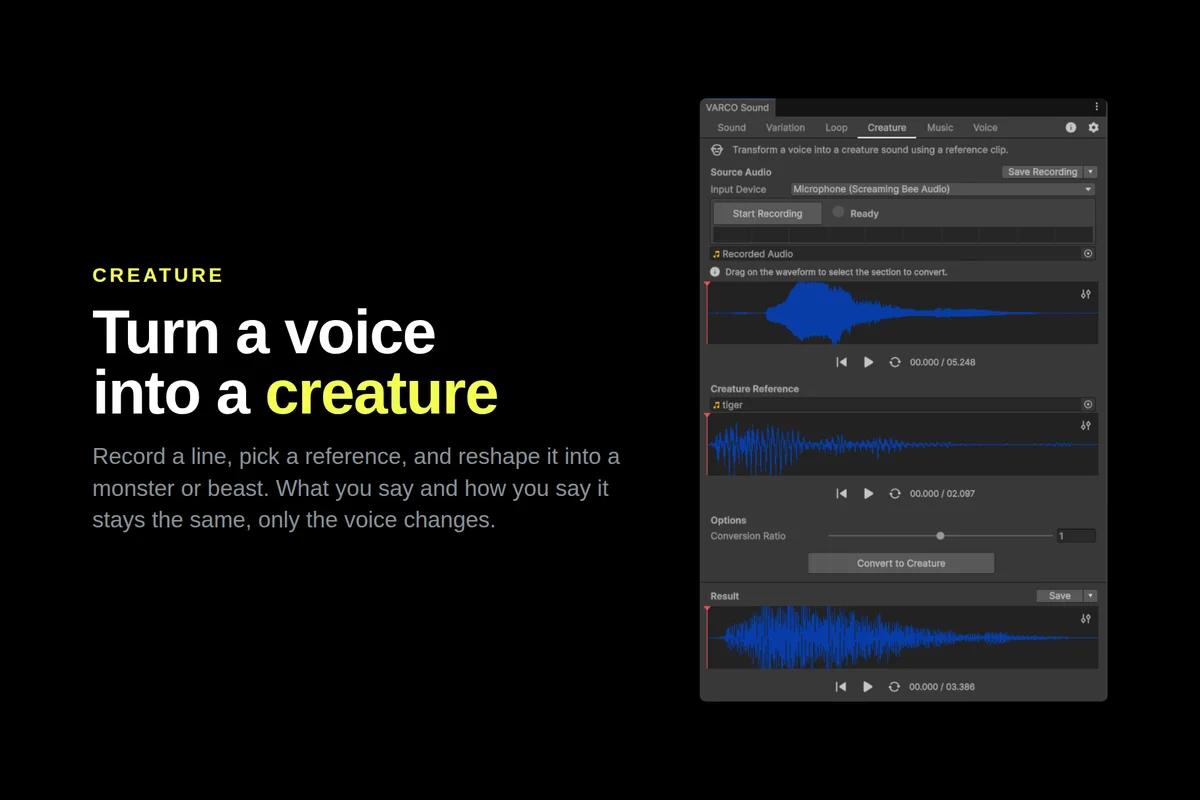
Creature: Record a line yourself, then reshape it into a monster, dragon, or beast using any clip as the target voice. What you say and how you say it stays the same, only the voice changes.
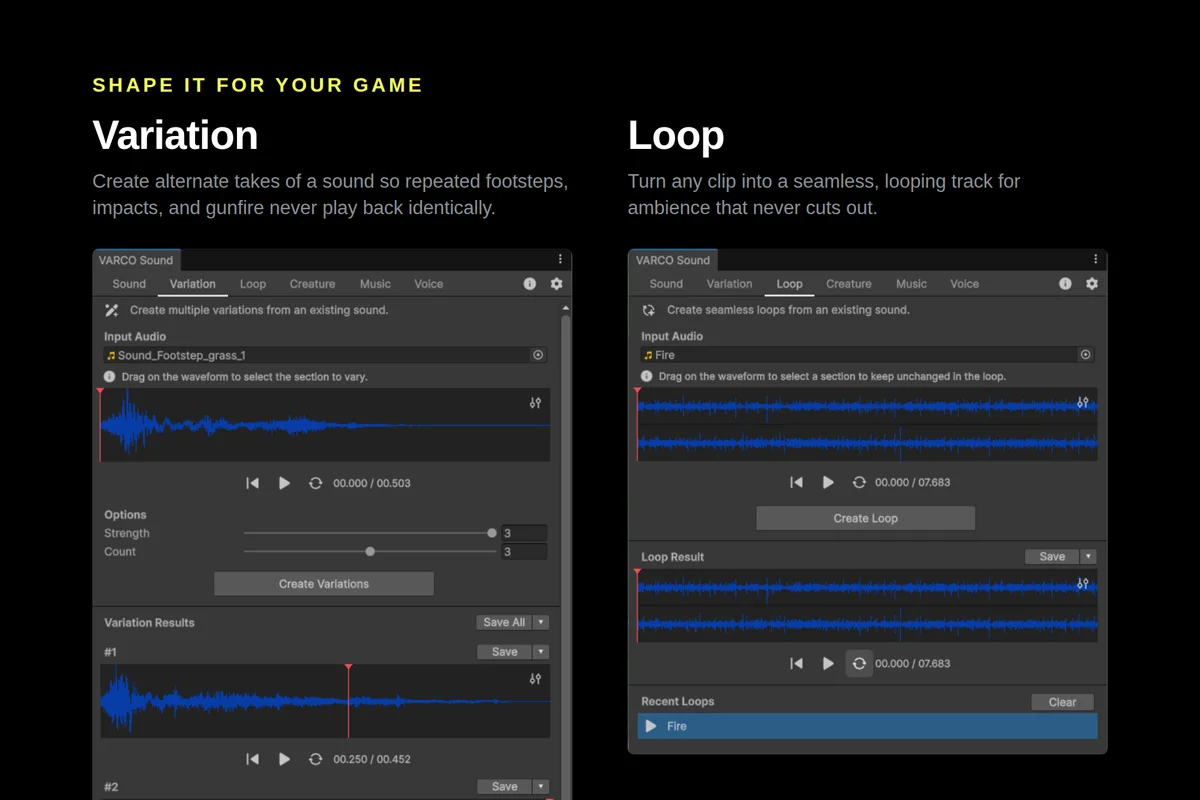
Variation: Generate alternate takes of any sound so repeated footsteps, impacts, and gunfire never play back identically. Vary the whole clip, or select just part of it on the waveform.
Loop: Turn any clip into a seamless, gap-free loop for ambience. Mark a region to keep, and let the tool find a clean loop around it.
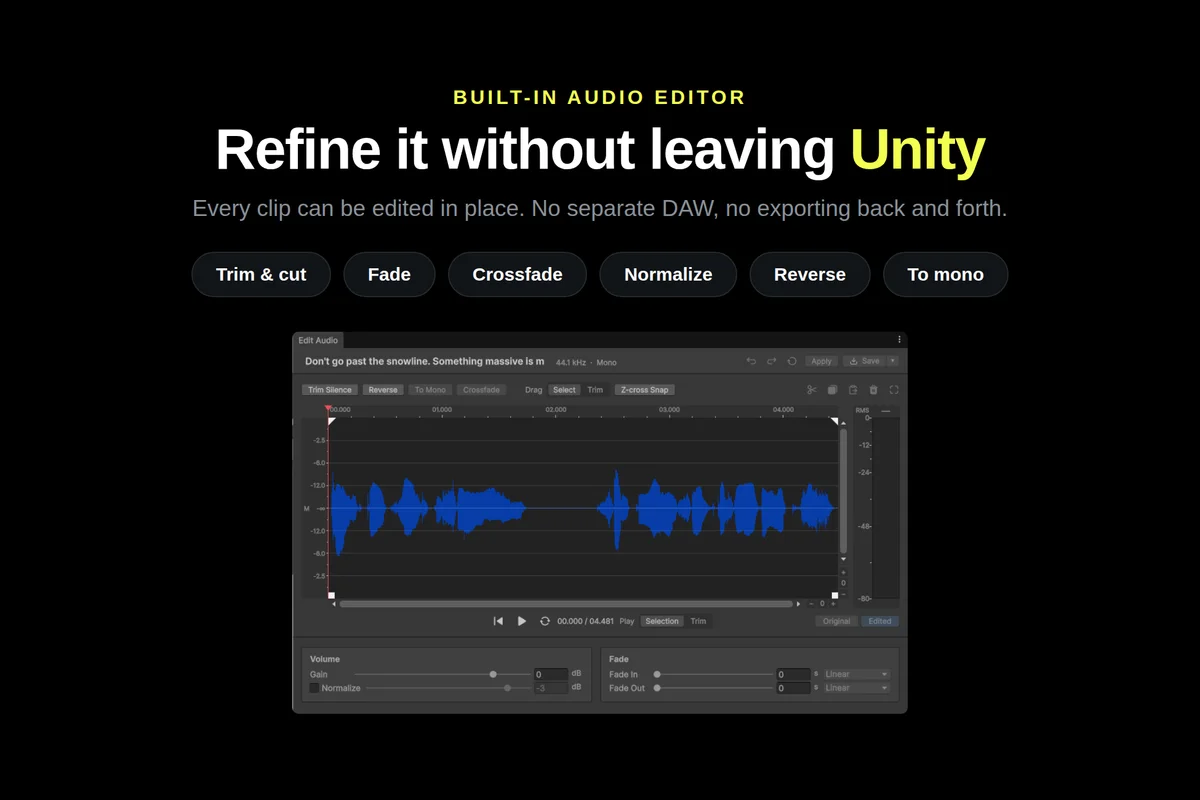
Built-in Audio Editor: Refine any clip without a separate DAW. Trim, cut, fade, crossfade, normalize, adjust gain, reverse, or convert to mono, then apply it back or save it out.
HIGHLIGHTS
- Six tools in one window: Sound, Music, Voice, Creature, Variation, and Loop
- Generate from a text prompt or from an image
- Multilingual voice: Korean, English, Japanese, and Taiwanese
- Built-in audio editor: trim, fade, crossfade, normalize, reverse, and more
- Drag a result straight onto an Audio Source, or save it as .wav in your project
- Editor-only: nothing ships in your build, with no effect on runtime performance
- Works with the Built-in, URP, and HDRP render pipelines
GETTING STARTED
Download the plugin, issue an API key from your VARCO account, and start generating. The plugin is free to download; generation runs on VARCO API credits. For a full walkthrough of every tool, see the documentation.
Generated Audio – Usage & Restrictions
- Commercial Use: Generated audio may be used in commercial and non-commercial projects. Your right to use previously generated audio is unaffected by changes to your subscription, credit balance, or API access.
- Resale & Redistribution: Generated audio may not be sold or redistributed as standalone assets, including sound packs, sample packs, stock audio, or datasets.
- AI/ML Restrictions: Generated audio and VARCO Sound APIs may not be used for AI/ML training or to develop competing services.
- Use of Your Content: NC AI does not use your inputs or generated audio to train its AI models.
Terms of Service
This solution is governed by its own EULA. Please refer to our Terms of Service here: Terms of Service
Questions or feedback? Contact us at varco_sound@ncsoft.com