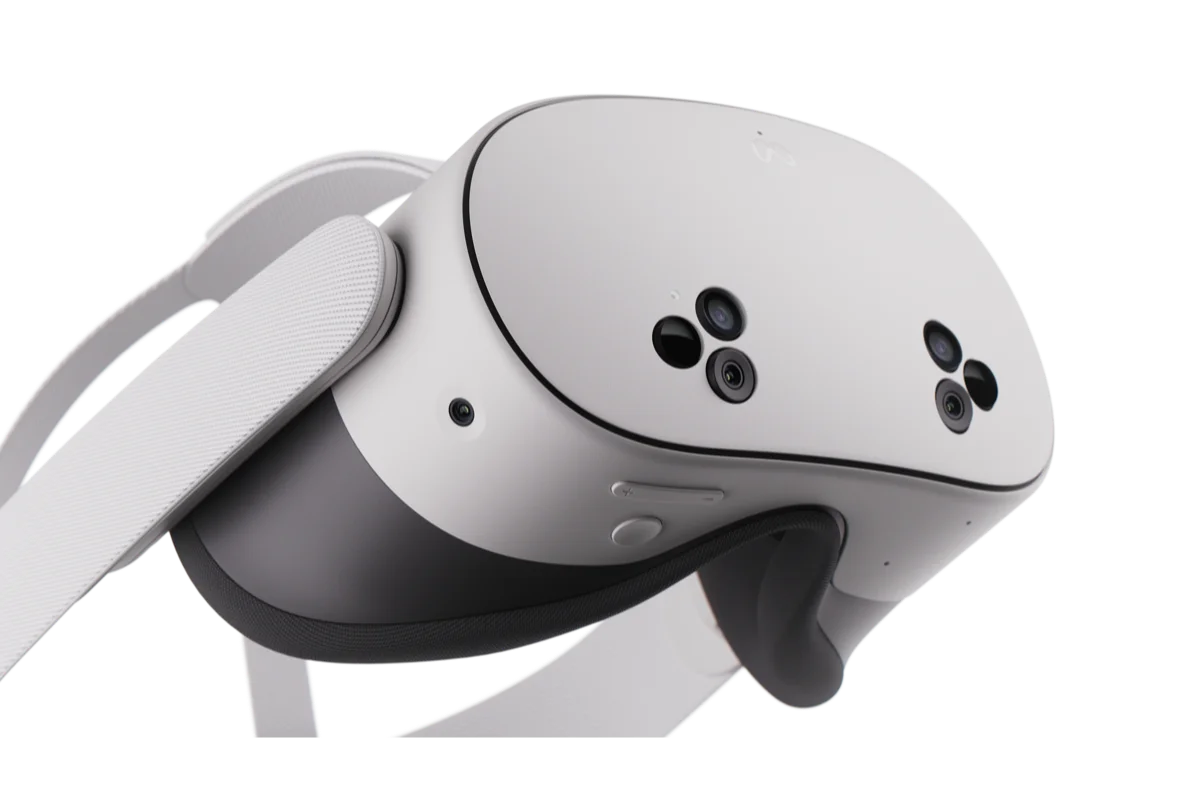
Everything you need to build a great VR or mixed reality app on Meta Quest. Meta's official Unity SDKs give you the complete toolkit including: interactions, mixed reality, hand tracking, spatial audio, haptics, and platform services. Install it all in one package, or just what your project needs.
Everything you need to build a great VR or mixed reality app on Meta Quest in one place.
Meta provides a complete family of official Unity SDKs so you can start building right away. Whatever your app needs, like mixed reality, natural interaction, spatial sound, haptics, multiplayer, monetization tools, there's a Meta SDK for it. Every package is built and maintained by Meta and versioned together, so your tools always stay compatible.
Get everything at once with the Meta XR All-in-One SDK, or add individual packages as you go.
Available packages:
Meta XR All-in-One SDK: The complete toolkit in a single package; installs everything below at once.
Meta XR Haptics SDK: High-fidelity, designed controller haptics with Haptics Studio integration.
Meta XR Interaction SDK: Hand tracking, controller, and gaze interactions with prebuilt components: grab, poke, ray, locomotion, and more.
Meta XR Interaction SDK Essentials: Core interaction building blocks for adding hands and controller input with a lighter footprint.
Meta XR Platform SDK: Identity, social, multiplayer, in-app purchases, achievements, and other Meta Horizon platform services.
Meta XR Core SDK: The foundation for every Quest app: rendering, tracking, and platform integration, plus mixed reality primitives like Passthrough, Anchors, and Scene.
Meta XR Audio SDK: Spatial audio, room acoustics, and HRTF-based positional sound.
Meta MR Utility Kit: Higher-level helpers built on Scene to accelerate room-aware mixed reality.
One ecosystem, always current
All Meta XR SDKs are distributed through the Unity Package Manager and updated alongside every Horizon OS release, so you get the latest features, performance improvements, and device support as soon as they ship.
Supported devices: Meta Quest 3, Quest 3S, Quest 2, and Quest Pro.