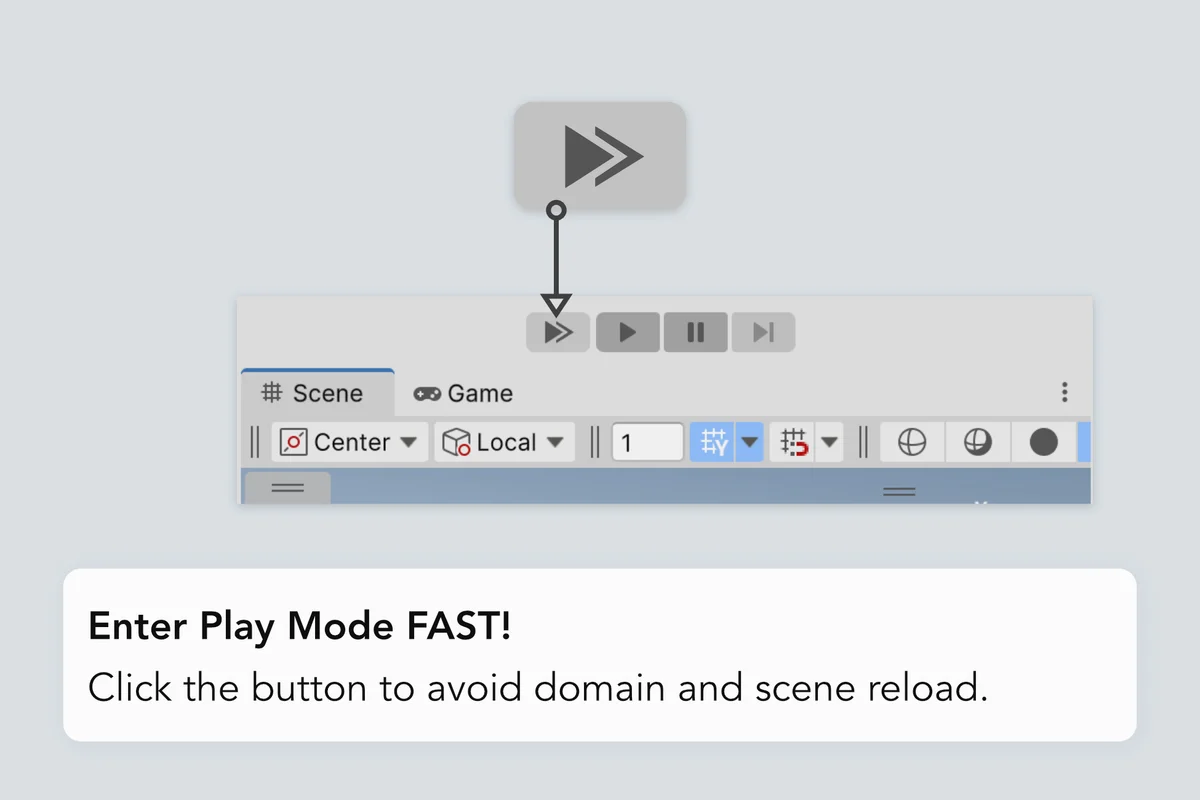
Enter Play Mode faster with no domain or scene reload – at the click of a button.
🔗 Documentation | Discord | Support
Entering Play Mode is time-consuming for big and small projects. Tired of wasting time every time you need to do a tiny tweak?
Then start using Fast Enter Play Mode with a handy button that enables it for you, just before entering Play Mode!
- Press the Fast Play button to play FAST – without Domain and Scene reload
- Press the regular Play button to play as usual, with a full state reset
Wait, this is included in Unity?!
Enter Play Mode Settings is a feature that's already present in Unity today, accessible from Project Settings > Editor. It's an incredible time-saving feature but not everyone knows about it, and I made this asset also in part to bring awareness to it.
If you enable it though your code should be written in a certain way. And the same goes for the code in third-party tools present in the project*.
(*) If you find an Asset Store tool that doesn't support Fast Enter Play Mode, it would make sense to get in touch with the developer and ask them to support it.
Why having a button for it then?
Because there are times when you want to enter Play Mode as fast as possible, like during prototyping or when iterating on gameplay. And other times, you want to play with a full reload.
The button included in this package allows you to choose how to enter Play Mode without having to flip back and forth into Project Settings.